

The idea of writing a book by talking sounds futuristic, but it is actually one of the oldest methods of composition. John Milton dictated the entirety of Paradise Lost to his daughters after losing his sight. Henry James dictated his later novels to a typist, finding that speaking freed his prose style. Barbara Cartland dictated over 700 romance novels, reportedly producing up to 10,000 words a day from her couch. More recently, bestselling science fiction author Kevin J. Anderson has written millions of words by dictating into a recorder while hiking in the Colorado mountains.
These authors were not using a gimmick. They discovered something fundamental: speaking is faster and more natural than typing, and for many writers, it produces better prose.
Today, AI-powered dictation software has removed the need for a human typist. You can speak into your Mac and get clean, punctuated text in real time. The technology has finally caught up with the method.
Key Takeaways
- Dictation is 2-3x faster than typing for most writers -2,000-5,000 words per hour is realistic
- AI handles the cleanup -automatic punctuation, filler word removal, and formatting
- Fiction benefits most -dialogue sounds more natural when spoken, and narrative flow improves
- Privacy matters for manuscripts -offline tools keep unpublished work off cloud servers
- The awkwardness fades -most writers adjust to dictating within 3-5 sessions
Why Dictation Works for Book Writing
The average person types 40-60 words per minute. The average person speaks at 120-150 words per minute. That is a 2-3x speed advantage before you even consider the cognitive differences.
But speed is only part of the story. Dictation changes how you write, and for many authors, the change is an improvement.
Flow state comes easier
When you type, part of your brain is occupied with the mechanical act of pressing keys, fixing typos, and managing cursor position. When you speak, that processing power is freed up for the actual creative work. Many dictation authors report entering a flow state more quickly and sustaining it longer.
Dialogue sounds more natural
This is perhaps the biggest advantage for fiction writers. When you speak your characters' lines out loud, you can immediately hear whether they sound authentic. Stilted dialogue that might slip past you on a keyboard becomes obvious when you have to say it. You are essentially performing the scene, and the performance reveals what works and what does not.
You outrun your inner editor
The inner editor -that voice telling you to go back and revise the last sentence -is one of the biggest obstacles to a productive first draft. Dictation makes it harder for that editor to interrupt. Words flow out at the speed of thought, and you move forward instead of circling back. The result is a rougher but more complete first draft, which you can polish in editing.
It is easier on your body
Repetitive strain injuries, carpal tunnel syndrome, and back pain are occupational hazards for writers who spend hours at a keyboard. Dictation eliminates all of them. You can write standing, walking, lying on the couch, or pacing around your office. Several prolific authors have turned to dictation specifically to protect their hands and wrists over a long career.
Setting Up Your Dictation Workflow on Mac
A good dictation workflow for writers requires three things: a quiet environment, a decent microphone, and reliable software. Here is how to set each one up.
Your microphone matters
The built-in MacBook microphone works for short dictation, but for sustained book-writing sessions, you want something better. A USB condenser microphone or a quality headset mic will significantly improve transcription accuracy.
- Budget option: A USB headset like the Jabra Evolve2 40 ($80-100) isolates your voice well
- Mid-range: The Blue Yeti or Audio-Technica AT2020 USB ($100-150) are popular with dictation authors
- Portable: Apple AirPods Pro work surprisingly well for dictating on the move
The key factor is signal-to-noise ratio -how clearly the mic captures your voice versus background sound. A headset mic close to your mouth will always outperform a desk mic across the room.
Create a quiet space
AI dictation handles background noise better than older speech-to-text tools, but a quiet environment still produces better results. You do not need a professional studio -a closed door and minimal ambient noise is usually enough. If you are in a noisy environment, a directional microphone or noise-canceling headset helps considerably.
Set up EmberType for long-form writing
For dictating a book on Mac, you want a tool that stays out of your way and processes everything locally. EmberType is built for exactly this kind of use. Here is how to configure it for book writing:
- Download and install EmberType -the 7-day free trial requires no account
- Choose your Whisper model -for book writing, use the Large v3 model for maximum accuracy. It uses more memory but the quality difference is noticeable in long sessions
- Set your keyboard shortcut -pick something easy to reach without thinking. Many writers use a function key or a simple modifier combination
- Open your writing app -Scrivener, Ulysses, Google Docs, Pages, or even a plain text editor. EmberType pastes text wherever your cursor is
- Start dictating -press your shortcut, speak naturally, and release when done. The text appears with punctuation already in place
Because EmberType runs 100% offline, your unpublished manuscript never leaves your Mac. For authors working on unreleased books, this privacy is not a luxury -it is a necessity.
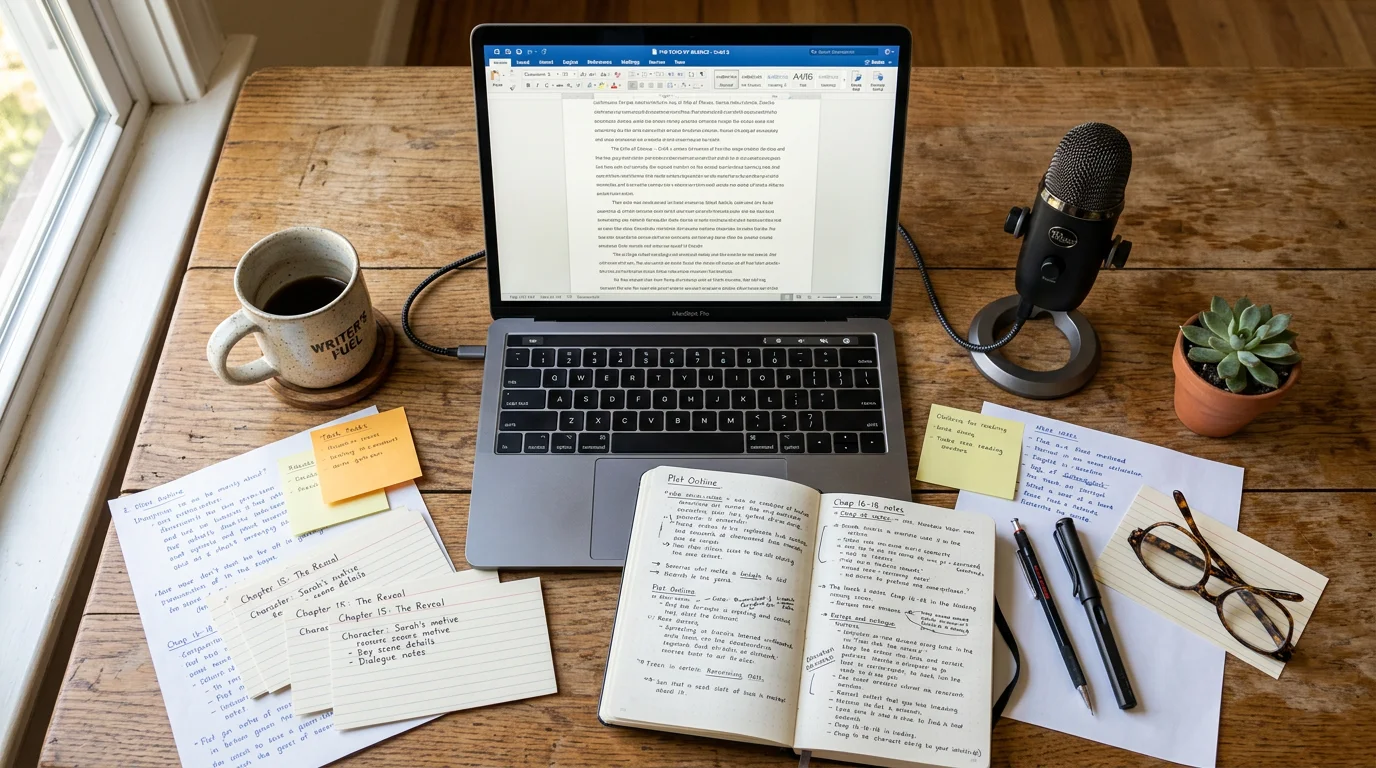
Dictating Fiction vs. Non-Fiction
The dictation approach differs depending on what you are writing. Both work well, but they benefit from different techniques.
Fiction dictation tips
- Outline your scenes first. Have a bullet-point list of what happens in the scene before you start dictating. You do not need a detailed outline -just enough to know where you are going so you can speak without stopping to plan
- Speak in character. When dictating dialogue, actually adopt the character's voice and cadence. This produces more authentic dialogue than trying to narrate it flatly
- Do not stop to correct. If you misspeak or the transcription gets something wrong, keep going. Mark problem spots with a spoken cue like "bracket fix this bracket" and address them in editing
- Dictate action and description in present tense internally. Even if your novel is in past tense, thinking about the scene as if it is happening right now helps you describe it more vividly
Non-fiction dictation tips
- Use a detailed outline. Non-fiction benefits from a structured outline more than fiction. Have your subheadings, key points, and supporting evidence listed before you dictate each section
- Dictate one section at a time. Rather than trying to dictate an entire chapter in one sitting, work through it section by section. This keeps your arguments focused
- Speak as if explaining to a friend. The conversational tone that dictation naturally produces is an asset in non-fiction. It makes your writing more accessible and engaging
- Cite as you go. When you reference a source, pause and say something like "cite Smith 2024" so you know where to add the formal citation later
Start Dictating Your Book Today
EmberType: 100% offline, works in any writing app, $39 one-time.
Download EmberType FreeCommon Challenges and How to Overcome Them
Every writer who switches to dictation hits the same handful of obstacles. All of them are temporary.
Feeling awkward talking to yourself
This is the most common barrier, and it is completely normal. You are essentially performing your writing out loud, and that feels strange at first. The solution is simple: do it anyway for five sessions. Almost every dictation author reports that the self-consciousness fades quickly once they experience the speed and flow benefits.
If it helps, close your eyes while dictating. Some writers find that removing visual distractions makes it easier to focus on the story and forget that they are speaking into a microphone.
The first draft looks different
Dictated prose has a different character than typed prose. It tends to be more conversational, with longer sentences and a more natural rhythm. Some writers see this as a problem. It is actually an advantage -but it does require adjusting your expectations.
Treat dictated text as a true first draft. Its job is to get ideas out of your head and onto the page. The polishing happens in editing, just as it does with typed work. Many authors find that their dictated first drafts, while rougher in some ways, are more energetic and voice-driven than their typed ones.
Maintaining your writing voice
Some writers worry that dictation will change their literary voice. In practice, the opposite often happens. Because speaking is more natural than typing, your authentic voice comes through more clearly. The key is to read your work aloud during editing regardless of how you wrote it -a practice that most writing instructors recommend anyway.
Handling punctuation and formatting
Modern AI dictation tools like EmberType automatically add punctuation based on your speech patterns. You do not need to say "period" or "comma" -the AI infers them from pauses, intonation, and context. For special formatting, you can add it during your editing pass. The goal during dictation is to keep the words flowing.
Best Tools for Author Dictation on Mac
Not all dictation apps are equally suited for book-length writing. Here is what matters for authors specifically.
| Tool | Price | Offline | Best For |
|---|---|---|---|
| EmberType | $39 once | 100% | Privacy-focused long-form writing |
| Wispr Flow | $15/month | No | AI-assisted rewriting |
| Apple Dictation | Free | Partial | Quick notes, short passages |
| SuperWhisper | $8.49/month | Partial | Hybrid local/cloud workflow |
For book writing specifically, offline capability is critical. Manuscripts are valuable intellectual property. Sending your unpublished novel to cloud servers -even encrypted ones -is a risk most authors should not take. EmberType processes everything locally using Whisper AI, so your words never leave your machine.
The one-time pricing also matters for authors. Writing a book takes months or years. A $15/month subscription adds up to $180-540+ over a typical novel-writing timeline. EmberType's $39 one-time cost covers you for the entire project and every project after it.
Real Productivity Numbers
Here is what you can realistically expect when writing a book by voice, based on typical speaking speeds and the experience of dictation authors.
| Metric | Typing | Dictation |
|---|---|---|
| Raw speed | 40-60 wpm | 120-150 wpm |
| Practical output (with pauses) | 500-1,500 words/hour | 2,000-5,000 words/hour |
| 60,000-word novel draft | 40-120 hours | 12-30 hours |
| Daily session (1 hour) | 500-1,500 words | 2,000-5,000 words |
These numbers assume you have done a few sessions and are past the initial adjustment period. Your first dictation session will likely be slower as you get comfortable with the process.
To put this in perspective: NaNoWriMo asks participants to write 50,000 words in 30 days -roughly 1,667 words per day. A dictation author hitting 3,000 words per hour could finish that daily target in about 35 minutes.
Of course, raw word count is not everything. You will spend time on outlining, editing, and revision regardless of how you produce the first draft. But dictation dramatically compresses the drafting phase, which for many writers is the hardest part.
A realistic book-writing schedule with dictation
- Week 1-2: Outline your book and practice dictating for 20-30 minutes daily to build comfort
- Week 3-8: Dictate 2,000-3,000 words per day (about 1 hour of actual dictation)
- Week 9-12: Edit and revise the manuscript
That is a complete first draft of a novel in about two months of focused work, with another month for editing. Many traditionally typed novels take six months to a year at the drafting stage alone.
Frequently Asked Questions

Free Mac Dictation Tips
Get tips on voice-to-text, dictation workflows, and productivity. No spam.
Unsubscribe anytime. We never share your email.
You're in! Check your inbox.
Your Book Is Waiting to Be Spoken
Start dictating your manuscript with EmberType. Offline, private, no subscription.
Download EmberType FreemacOS 14+ required. Apple Silicon only. $39 after 7-day trial.