

Not every AI tool needs to phone home. In 2026, some of the most powerful AI software for Mac runs entirely on your machine — no internet, no cloud servers, no accounts. Your data stays private, it works on a plane, and there are no usage limits.
We come at this from a specific angle: we build EmberType, a Mac-only voice dictation app whose AI pipeline runs locally on Apple Silicon by default. So when we say a tool is "local-first," we mean it the way an indie Mac developer means it — your data goes to the Neural Engine, the inference runs on your chip, and nothing leaves your machine. The list below is the local-AI stack we'd actually recommend to a friend with a MacBook in 2026.
The one we'd install first is the one you'll use most: offline dictation. Try EmberType free for 7 days — works fully offline with its local models, no account, dictating in about two minutes — then read on for the rest of the local-AI stack.
Key Takeaways: Top Offline AI Tools for Mac
- Best for voice dictation: EmberType — Whisper AI on Apple Silicon, on-device by default, $39 once
- Best for local chat: Ollama — free, runs any open-source LLM on your Mac
- Best GUI for local LLMs: LM Studio — free, polished Mac-native interface
- Best for images: DiffusionBee — free Stable Diffusion on Apple Silicon
- Best for writing: Elephas — local-model support via Ollama, Mac-native
Looking for Offline Dictation Specifically?
Most "offline AI" tools don't handle real-time speech-to-text in any Mac app. EmberType does -press a keyboard shortcut, talk, and your words appear wherever your cursor is. On-device by default, fully offline with local models. $39 one-time.
Try EmberType Free for 7 DaysNo subscription • macOS 14+ • Apple Silicon
At a Glance: Which Tool for Which Job?
These tools all run offline, but they solve very different problems. Here's the quick map:
| Tool | Best For |
|---|---|
| EmberType | Real-time dictation in any Mac app |
| Ollama / LM Studio | Running local LLMs (chat, code) |
| DiffusionBee | Image generation |
| Elephas | AI writing assistance across apps |
Offline AI Tools for Mac: Full Comparison
| Tool | Category | Price | Fully Offline | Apple Silicon |
|---|---|---|---|---|
| EmberType | Voice Dictation | $39 once | Yes (local models, the default) | Required |
| Ollama | LLM Chat | Free | Yes | Required |
| LM Studio | LLM Chat | Free | Yes | Required |
| DiffusionBee | Image Gen | Free | Yes | Recommended |
| Elephas | Writing | $5/mo | Partial | Recommended |
| MLX Chat | LLM Chat | Free | Yes | Required |
Why Offline AI Matters in 2026
Cloud AI is convenient, but it comes with real trade-offs. Here's why more Mac users are switching to offline AI tools:
- Privacy -Your voice recordings, documents, and prompts never leave your Mac. No data collection, no third-party access, no fine-tuning on your inputs.
- Speed -No network latency. Processing happens instantly on your hardware. Apple Silicon's Neural Engine makes local AI surprisingly fast.
- No usage limits -No API costs, no token limits, no throttling. Use it as much as you want without watching a meter.
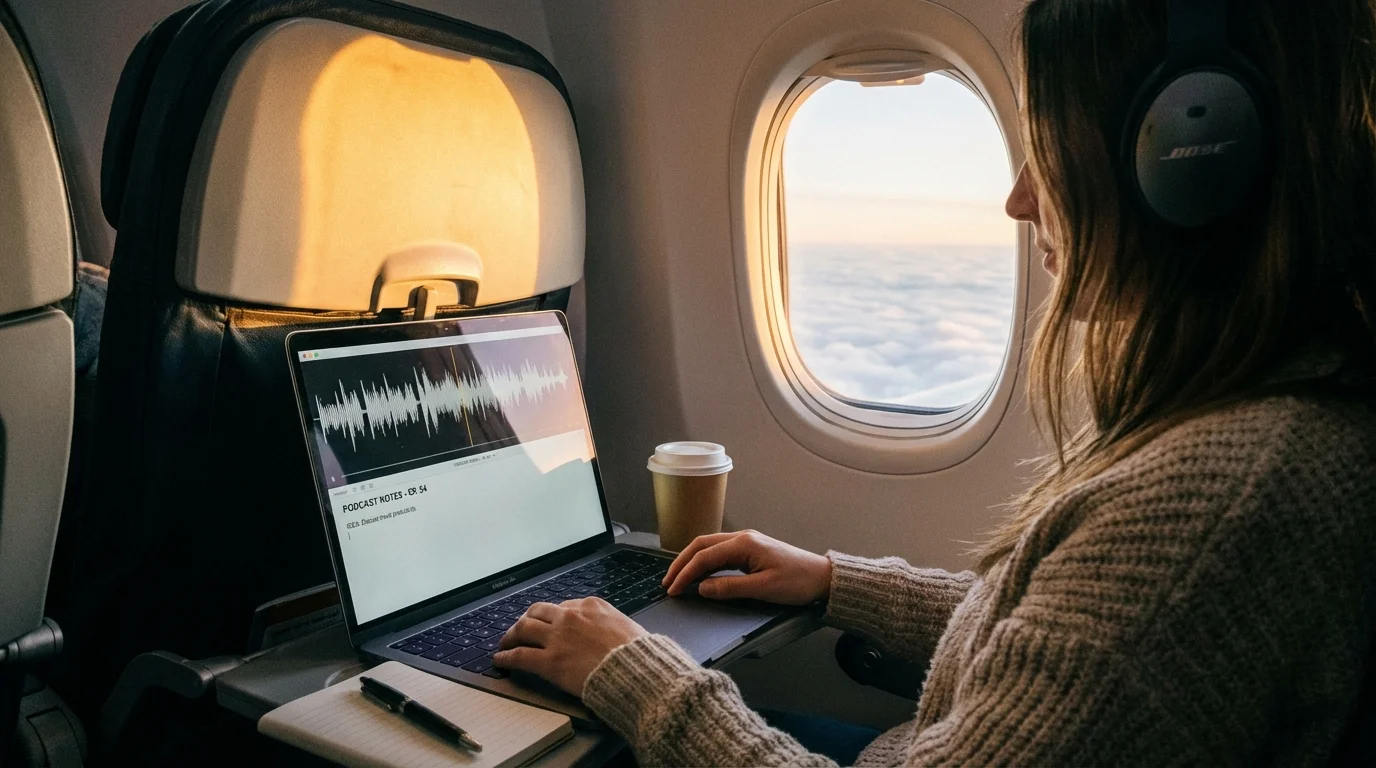
- Works anywhere -Planes, trains, spotty Wi-Fi, corporate networks that block cloud services. Offline means always available.
- One-time cost -Most offline tools are free or a one-time purchase. No $20/month subscriptions that add up to hundreds per year.
Where should you actually start? Install the tool you'll use most often — and for most people that isn't a chatbot. A local LLM is something you visit a few times a day. Dictation is different: EmberType sits behind a keyboard shortcut in every app you already use — email, docs, Slack, your editor — so one offline tool replaces a cloud habit fifty times a day. You can try it free for 7 days (no email, no account, nothing to configure) and be dictating offline in about two minutes. Then come back for Ollama.
Voice & Dictation
1. EmberType — Best Offline Voice-to-Text for Mac
EmberType is the best offline AI tool for voice dictation on Mac. It runs OpenAI's Whisper AI entirely on your machine by default -no internet connection, no cloud servers, no account required. Cloud models are optional and only run with your own API key. Press a keyboard shortcut from any app, speak naturally, and polished text appears at your cursor.
What makes EmberType stand out among offline AI tools is its combination of real-world accuracy and complete privacy. Your voice recordings are processed locally and kept only in the app's local history on your Mac, which you can clear or set to clean up automatically. The AI text cleanup removes filler words like "um" and "uh," adds proper punctuation, and fixes formatting -all on-device.
- Works 100% offline -with local models (the default), your voice never leaves your Mac
- Works in any app -email, Slack, VS Code, Google Docs, browsers, Notes, and more
- AI text cleanup -removes filler words and adds punctuation on-device; optional AI rewriting can run locally through Ollama
- Contextual awareness -understands what app you're in and adjusts output accordingly
- Multiple Whisper models -choose between speed and accuracy based on your hardware
- $39 one-time -no subscription, 3 Mac activations, free updates
- 7-day free trial -full features, no credit card, no account
EmberType is built around Apple's Neural Engine — every audio chunk gets routed to the M-series chip's on-device ML accelerator instead of a server. That's why it stays accurate even with the network turned off, and why it doesn't drain your battery the way an always-pinging cloud microphone would. If you want to dictate text on your Mac without any data leaving your machine, this is the local-first answer. The most common cloud rival people weigh it against is Wispr Flow — we put the two side by side in our Wispr Flow alternative for Mac breakdown (offline + one-time price vs. cloud + subscription).
It has also quietly become the modern Dragon dictation replacement for Mac: Nuance discontinued Dragon for Mac years ago, and EmberType covers that gap with on-device Whisper accuracy and a one-time price instead of per-seat licensing. If you are weighing the built-in option too, we put the numbers side by side in Apple Dictation vs Dragon for Mac.
Try the Best Offline Dictation App
On-device by default. Works fully offline. 7-day free trial.
Download EmberType FreeLocal LLM Chat
2. Ollama — Run Any Open-Source LLM Locally on Your Mac
Ollama is the fastest way to run open-source language models on your Mac. It's free, open-source, and supports models like Llama 3, Mistral, Phi, Gemma, and dozens more. Install a model with one command and start chatting -completely offline.
- Huge model library -Llama 3, Mistral, Phi, Gemma, CodeLlama, and more
- Free and open-source -no cost, no account, no limits
- Terminal + GUI options -use the CLI or pair with community-built interfaces
- API compatible -works with tools that support the OpenAI API format
- Community-driven -active development and growing model ecosystem
Ollama is ideal for developers and power users who want full control over which models they run. If you prefer a graphical interface, pair it with a community GUI or consider LM Studio below.
3. LM Studio — Polished GUI for Local LLMs on Mac
LM Studio gives you a polished, Mac-native interface for running local language models. Browse and download models directly in the app, start conversations, and adjust settings -no terminal required.
- In-app model browser -search, download, and manage models visually
- Clean Mac-native UI -feels like a real chat app, not a terminal wrapper
- Local API server -run a local API endpoint for other apps to connect to
- Free -no subscription, no account required
LM Studio is the best choice for users who want the power of local LLMs without touching the command line. It's particularly good for beginners exploring what local AI can do.
4. MLX Chat — Apple's Own ML Framework for Local AI on Mac
MLX Chat uses Apple's own MLX machine learning framework, built specifically for Apple Silicon. It's lightweight, fast, and deeply optimized for the M-series chips in modern Macs.
- Apple Silicon optimized -built on Apple's MLX framework for maximum performance
- Lightweight -minimal resource usage compared to other LLM runners
- Growing ecosystem -increasing number of MLX-optimized models available
- Free and open-source -community-driven development
MLX Chat is best for users who want the most efficient local LLM experience on Apple Silicon. It's still a younger project compared to Ollama and LM Studio, but the Apple-native optimization gives it an edge in speed and efficiency.
Image Generation
5. DiffusionBee — Free Local Stable Diffusion for Mac
DiffusionBee brings Stable Diffusion image generation to your Mac with a clean, native interface. Generate images from text prompts, modify existing images, and experiment with inpainting -all running locally on your hardware.
- Text-to-image -generate images from text descriptions
- Image-to-image -modify existing images with AI
- Inpainting -edit specific areas of an image
- Fully offline -all processing happens on your Mac
- Free -no cost, no account, no usage limits
- Mac-native UI -clean interface designed for macOS
DiffusionBee is the easiest way to generate AI images on a Mac without sending your prompts to a cloud service. Performance scales with your hardware -16GB+ RAM and Apple Silicon recommended for the best results.
Writing & Productivity
6. Elephas — AI Writing Assistant with Local Model Support
Elephas is a Mac-native AI writing assistant that supports both cloud and local models. When configured with a local model (via Ollama or LM Studio), it works offline for AI-assisted writing, summarization, and editing across your Mac apps.
- Mac-native -lives in your menu bar, works across apps
- Local model support -connect to Ollama for fully offline AI writing
- Writing modes -summarize, rewrite, expand, and edit text
- $5/month -subscription model, local features included
Elephas bridges the gap between cloud AI convenience and local AI privacy. The offline mode is partial -you need to configure a local model separately -but once set up, it's a capable writing tool that respects your privacy.
What to Look for in Offline AI Tools
Not all offline AI tools are created equal. Here's what to consider when choosing:
- Apple Silicon support -M1 or later is essential for good performance. The Neural Engine makes a massive difference for AI workloads.
- Model size vs. RAM -8GB Macs can run smaller models well. 16GB+ opens up larger, more capable models. 32GB+ handles the biggest models comfortably.
- Native Mac app vs. command line -GUI apps like EmberType, LM Studio, and DiffusionBee are easier to use. Terminal tools like Ollama offer more flexibility.
- One-time pricing vs. subscription — EmberType ($39 once), DiffusionBee (free), and most local LLM runners (Ollama, LM Studio, MLX Chat — all free) beat subscriptions long-term.
- Active development -AI moves fast. Look for tools with regular updates and growing model support.
Frequently Asked Questions

Free Mac Dictation Tips
Get tips on voice-to-text, dictation workflows, and productivity. No spam.
Unsubscribe anytime. We never share your email.
You're in! Check your inbox.
Try EmberType -Offline AI Dictation
Your voice stays on your Mac. Always.
Try Offline DictationmacOS 14+ required. Apple Silicon only. $39 after trial.