
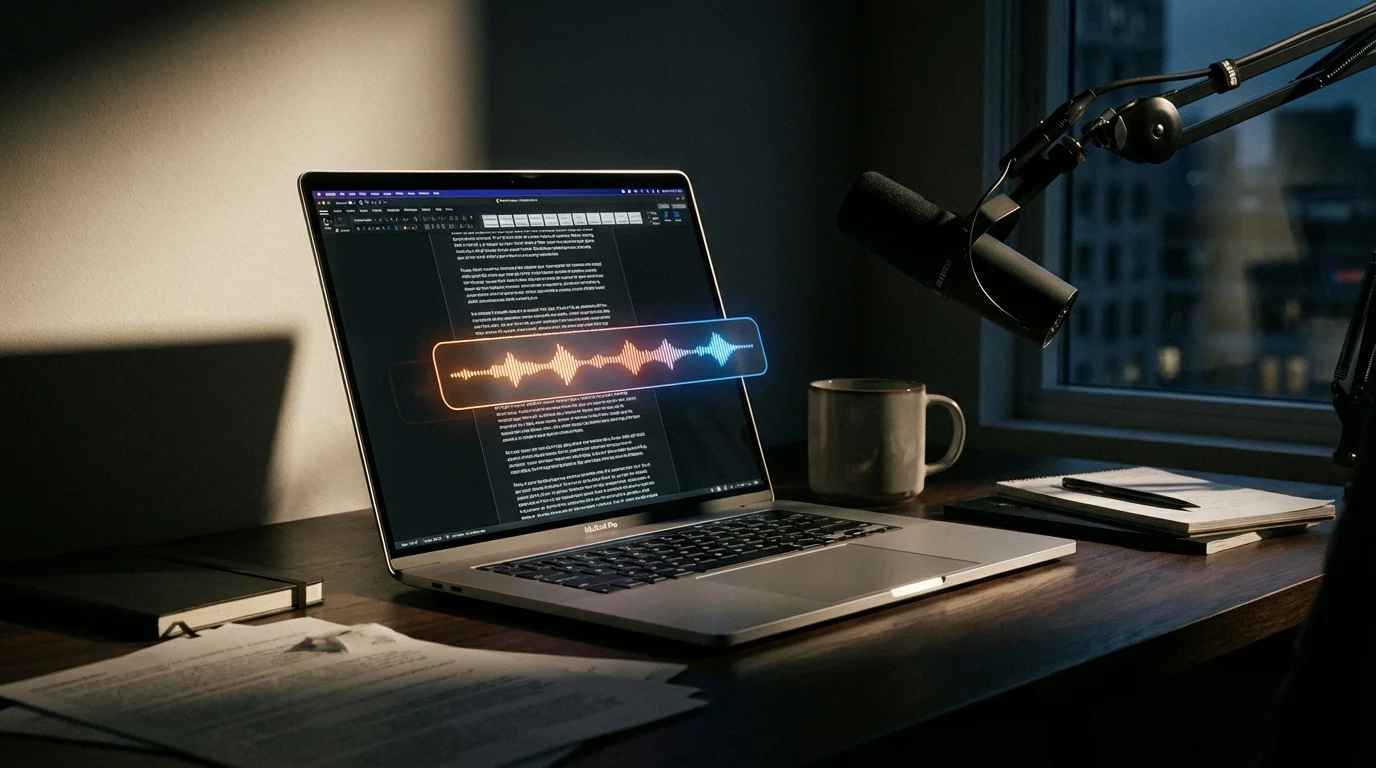
Here's something nobody tells you about building a dictation app: you spend more time using everyone else's products than your own. During development of EmberType, I kept five voice recognition apps for Mac installed on my M2 MacBook Pro simultaneously. I'd dictate the same paragraph into each one, compare the output, time the latency with a stopwatch, and then go back to tweaking our own code.
After months of this, I developed strong opinions about what works, what doesn't, and where each app makes compromises. This isn't a roundup assembled from screenshots and marketing pages. It's what I actually found when I put each speech recognition tool for Mac through real daily use.
The Short Version
- Best overall: EmberType -offline, fast, $39 one-time (yes, I'm biased -but I'll explain why)
- Best free option: Apple Dictation -better than you'd expect for quick tasks
- Best if you need AI rewriting: Wispr Flow -$15/month, cloud-only
- Best for file transcription: MacWhisper -a different tool for a different job
Speech Recognition on Mac: Comparison at a Glance
| App | Price | Offline | AI Engine | Best For |
|---|---|---|---|---|
| EmberType | $39 once | Yes | Whisper AI | Privacy + value |
| Apple Dictation | Free | Partial | Apple ML | Casual use |
| Wispr Flow | $15/mo | No | Cloud AI | AI rewriting |
| MacWhisper | Free–$79.99 | Yes | Whisper AI | Transcription |
| SuperWhisper | $8.49/mo | Local + Cloud | Whisper + Cloud | Hybrid workflow |
1. EmberType (Ours -Obvious Bias Disclosed)
Price: $39 one-time | Trial: 7 days free | Offline: Yes, always
I'll be upfront: I built this. So take what follows with appropriate skepticism. But I'll also tell you things about EmberType that no marketing page would.
EmberType runs OpenAI's Whisper AI entirely on your Mac's Apple Silicon chip. The reason we went fully offline wasn't a marketing decision. It was a technical one. During early development, I tested cloud-based transcription APIs and consistently hit 200-400ms of network latency on top of the actual processing time. Running Whisper locally on an M1 or later eliminates that entirely. With the Large v3 Turbo model, I get transcription results back in about 1-2 seconds for a typical paragraph of speech. The smaller models are nearly instant.
What I think we got right: the app is invisible until you need it. Press your shortcut, talk, and text appears at your cursor. It works in email, Slack, VS Code, your browser's address bar -anywhere you can type. The AI text cleanup is genuine -it adds punctuation, fixes capitalization, and handles formatting without you saying "period" or "comma."
What we're honest about: there's no cloud AI rewriting. If you want your rambly dictation reshaped into polished prose, that's not what EmberType does. We also require macOS 14+ and Apple Silicon, which cuts out older Macs entirely. And we don't do speaker identification for multi-person recordings. These are deliberate trade-offs, not oversights.
Best for: People who want fast, private dictation that just works -and who'd rather pay once than subscribe forever.
2. Apple Dictation
Price: Free | Offline: Basic mode only
Apple Dictation was actually the first thing I tried when I started thinking about building EmberType. I spent two weeks using it exclusively for all my writing, and here's the honest truth: it's better than most people give it credit for.
For a quick Slack message or a short email, Apple Dictation works. The accuracy on everyday English is reasonable, and you can't beat the price. Press Fn twice and start talking -no install, no setup, no account.
But I ran into walls quickly. Technical terms were a disaster. I'd say "Whisper API endpoint" and get "whisper a P.I. end point." The auto-punctuation is hit-or-miss -I still found myself saying "comma" and "period" out loud, which defeats the purpose of natural dictation. The enhanced mode sends your audio to Apple's servers, which is a non-starter if you're handling anything sensitive. And the offline mode accuracy drops noticeably.
The real killer for me was reliability. After one macOS update, dictation just stopped working for three days. No error message, no explanation. It eventually came back. That's when I decided a standalone app was worth building.
Best for: Quick messages and casual use. Genuinely useful if you don't need professional-grade accuracy or offline reliability.
3. Wispr Flow
Price: $15/month | Offline: No
Wispr Flow is the competitor I respect the most, even though it takes the opposite approach to everything we believe in.
The app is cloud-only, which means your audio goes to their servers every time you dictate. In exchange, you get something EmberType deliberately doesn't offer: AI rewriting. You can ramble incoherently about a project update, and Wispr Flow will reshape it into a polished paragraph that sounds like you wrote it carefully. During my testing, I was genuinely impressed by how well the style matching worked. It felt like having a copyeditor listening over my shoulder.
The design is clean, the onboarding is smooth, and the accuracy through cloud processing is solid. I can see exactly why people pay for it.
The downsides are real though. At $15/month, you're paying $180/year or $540 over three years. Every word you dictate passes through their servers. And when my Wi-Fi dropped during a testing session at a coffee shop, the app became a paperweight. That last one is the dealbreaker for me -I dictate on flights, in cars, at my cabin with spotty internet. A tool that only works when you're connected isn't a tool I can rely on.
Best for: Writers who value AI-powered rewriting more than privacy or offline access. If that's you, it's genuinely good at what it does.
Want Private Dictation That Works Offline?
EmberType runs entirely on your Mac. No cloud, no subscription.
Try EmberType Free4. MacWhisper
Price: Free / $79.99 lifetime (Pro) | Offline: Yes (core features)
MacWhisper and EmberType get compared a lot, but honestly, we're solving different problems. MacWhisper is a transcription app first. EmberType is a dictation app first. That distinction matters more than people realize.
If you have a 45-minute meeting recording and need it transcribed with speaker identification, timestamps, and an export to Notion, MacWhisper is genuinely excellent at that. The batch processing handles multiple files, it integrates with third-party services, and it offers multiple AI engine options including Parakeet v2 alongside Whisper. For transcription workflows, it's feature-rich in ways EmberType intentionally isn't.
But when I tried using MacWhisper for my daily dictation workflow -just speaking text into emails and documents as I worked -the experience felt heavy. The interface is built around file management and transcription projects, not the "press a key, speak, done" loop that I need fifty times a day. Opening the app, finding the right panel, starting a recording session... it's a lot of friction for "I just want to type this paragraph with my voice."
The other thing to know: MacWhisper has added cloud AI integrations (ChatGPT, Claude, Deepgram) alongside its local processing, so it's no longer a purely offline tool. At $79.99 for the Pro lifetime license, it's twice what EmberType costs.
Best for: People who need transcription as their primary workflow -meetings, interviews, recorded audio. Not the best fit if you just want fast daily dictation.
5. SuperWhisper
Price: $8.49/month ($84.99/year, or $249.99 lifetime) | Offline: Hybrid
SuperWhisper is the app that kept me up at night during EmberType's development. It started as a local-only Whisper app, which put it in direct competition with what we were building. The core dictation is solid, the local Whisper accuracy is good, and it has a following for good reason.
Then came v2.9.0 in January 2026, and SuperWhisper added cloud AI models: Gemini, Grok, Claude, GPT. It's a move that makes strategic sense -it differentiates them from purely local tools and opens up text enhancement features. But it also shifted the app's identity. It went from "local-first privacy tool" to "hybrid platform with cloud options," which muddies the privacy story.
During my testing, the local-only mode worked well. The dictation accuracy was comparable to EmberType -not surprising, since we're both running the same Whisper models. Where things get complicated is the pricing. At $8.49/month, you're paying $102/year. Even the annual plan at $84.99/year will cost you $255 over three years. The $249.99 lifetime option stops the bleeding, but that's still over 5x what EmberType costs.
The interface also throws a lot of options at you: local mode, cloud mode, text enhancement settings, model toggles. If you enjoy that kind of control, great. If you just want dictation that works, it feels like more decisions than necessary.
Best for: Users who want the flexibility to switch between local and cloud processing, and who don't mind subscription pricing. For a deeper comparison, see our SuperWhisper alternative breakdown.
What Building Voice Recognition Software Taught Me About Choosing It
After spending months inside this space, here's the framework I'd use if I were starting fresh:
First question: do you need dictation or transcription? If you're converting recorded audio files into text -meetings, interviews, podcasts -look at MacWhisper. If you want to speak text directly into any app as you work, EmberType, Wispr Flow, and SuperWhisper are your real options. (Our complete speech-to-text on Mac guide walks through the deciding factors for each.)
Second question: does your data have to stay local? If you're a lawyer, healthcare worker, journalist, or just someone who doesn't want their voice on someone else's server, the answer narrows to EmberType. It's the only one with zero cloud component.
Third question: do you need AI to reshape what you said? If you dictate in fragments and want polished output, Wispr Flow's rewriting is genuinely impressive. But you'll pay $15/month for it, and every word goes through their cloud.
Budget question: Apple Dictation is free and adequate. EmberType is $39 once. Everything else is a subscription.
Why I Chose to Build Offline (and What I Learned)
I get asked this a lot: why didn't EmberType just use a cloud API? It would have been easier to build and probably more accurate at first. Here's the honest answer.
The first reason was latency. When we benchmarked cloud APIs during early prototyping, we consistently measured 200-400ms of round-trip network time on top of the actual transcription processing. That doesn't sound like much, but when you're dictating sentence after sentence, those extra fractions of a second compound into a noticeable drag. Local Whisper processing on Apple Silicon has no network latency at all.
The second reason was reliability. I dictate when I'm on a plane. I dictate at my cabin where the internet is unreliable. I dictate in the car with my laptop tethered to patchy cellular. A dictation tool that only works with strong internet is a dictation tool I can't depend on.
The third reason was the privacy landscape. Apple just paid $95 million over Siri recordings. Google settled for $68 million over secret Assistant recordings. I didn't want to build something that would ever create that kind of liability for our users.
For professionals handling sensitive information -legal documents, medical records, confidential sources -offline processing isn't a feature. It's a requirement.
Frequently Asked Questions

Free Mac Dictation Tips
Get tips on voice-to-text, dictation workflows, and productivity. No spam.
Unsubscribe anytime. We never share your email.
You're in! Check your inbox.
Try the Best Voice Recognition for Mac
7-day free trial. No account needed. 100% offline.
Download EmberType FreemacOS 14+ required. Apple Silicon only. $39 after trial.