

Last month I ran an experiment. For one full work week, I stopped using EmberType -the dictation app I built -and used only free dictation apps on Mac. Apple Dictation for emails. Google Docs Voice Typing for documents. Otter.ai for meetings. Speechnotes when I was in the browser.
I wanted to understand the experience that most people have when they first search for "free dictation app Mac" and try whatever comes up. I wanted to feel what they feel, because I needed to know: is free actually good enough?
The short answer: it depends on what you are doing and what you are willing to tolerate. The longer answer involves a lot of frustration, some genuine surprises, and a clear understanding of where free breaks down.
What I Found After a Week of Free Dictation
- Best truly free: Apple Dictation -built into macOS, genuinely useful for short messages
- Best free for documents: Google Docs Voice Typing -unlimited and accurate, but locked to one browser tab
- Best freemium: Otter.ai -300 free minutes/month for meetings, but not a dictation app
- The hidden cost: every free option either sends your voice to the cloud, limits where you can type, or caps your usage
- Where free falls apart: accuracy on technical terms, filler word cleanup, and working across apps
The Experiment: One Week, Free Tools Only
Before I break down each app, here is what my free-only week actually looked like.
Monday was fine. I used Apple Dictation for Slack messages and short emails. It worked. I caught maybe 3-4 errors per message, fixed them by hand, and moved on. Felt a little slow compared to what I am used to, but workable.
By Wednesday, the friction had compounded. I was writing a technical document and Apple Dictation kept mangling terms -"API endpoint" became "a P.I. and point," "Whisper model" became "whisper model" (no capitals, not a huge deal) but "CoreML" became "core mail" every single time. I switched to Google Docs Voice Typing for the document, which was more accurate on tech terms but meant I had to write in Google Docs and then copy everything to where it actually needed to be.
By Friday, I had developed a workflow that involved three different free tools, none of which talked to each other, all of which sent my voice to different cloud servers. I was spending roughly 15-20 minutes per day fixing transcription errors that would not have existed with a Whisper-based tool. That is over an hour per week of unpaid editing work.
Here is the honest math: an hour and a half of your time per week, times four weeks, times your hourly rate. For most knowledge workers, EmberType's $49 one-time price pays for itself in the first week.
But I promised an honest review of the free options, so let me give them their due.
Free Dictation Apps Compared
| App | Price | Offline | Works In | Key Limitation |
|---|---|---|---|---|
| Apple Dictation | Free | Partial | Any app | Basic accuracy |
| Google Docs Voice Typing | Free | No | Google Docs only | Chrome + internet required |
| Otter.ai | Freemium | No | Own app / web | 300 min/month cap |
| Speechnotes | Free (ads) | No | Chrome / Edge | Web-only, ads |
| EmberType | 7-day trial | Yes (100%) | Any app | $49 after trial |
1. Apple Dictation -Genuinely Good for Simple Tasks
Price: Free | Built into macOS | Basic offline mode on Apple Silicon
I have complicated feelings about Apple Dictation. As a developer who competes with it, I want to be dismissive. But as someone who just spent a week using it exclusively, I have to admit: for simple tasks, it is genuinely fine.
Press Fn twice. Talk. Words appear. For a Slack message saying "Hey, I will be 10 minutes late to the meeting," Apple Dictation nails it. For "Can you send me the quarterly report by EOD?", it nails it. The everyday conversational stuff works.
On Apple Silicon Macs, basic processing happens on-device. The enhanced mode sends audio to Apple's servers. You can type and dictate simultaneously, which is genuinely useful for quick corrections mid-stream.
What you get for free:
- Works in any text field across macOS -Mail, Notes, Pages, Messages, and more
- Auto-punctuation in supported languages
- On-device processing on Apple Silicon (basic mode)
- Continuous dictation (stops after 30 seconds of silence)
- Multi-language support with mid-dictation switching
Where it fell apart for me: The moment my dictation included anything domain-specific. During my test week, I dictated a paragraph about Whisper AI model sizes and Apple Dictation produced: "the large version 3 turbo model uses about 1.6 gig of ram." I needed "Large v3 Turbo" with capitals and "1.6 GB of RAM" with the abbreviations. That kind of cleanup, repeated dozens of times a day, is death by a thousand cuts.
The other pain point: Apple Dictation types your filler words. Every "um" and "uh" and "so" that you use while gathering your thoughts ends up in the text. When you are typing, you do not type "um." When you are dictating, your brain does it automatically. A good dictation app strips these out. Apple Dictation does not.
It can also stop working after macOS updates without any error message. I have guided dozens of users through fixing this issue. There is no warning -it just stops responding to the Fn key.
2. Google Docs Voice Typing -Surprisingly Accurate, Frustratingly Limited
Price: Free | Requires Google account | Internet required
Here is what surprised me during my free week: Google Docs Voice Typing was more accurate than Apple Dictation on technical vocabulary. It correctly capitalized "API" and handled terms like "machine learning" and "neural network" without issue. Google has clearly trained its speech model on a broader vocabulary.
The accuracy was good enough that I used it as my primary tool for longer documents. The voice commands for formatting -"bold that," "new paragraph," "insert heading" -work well once you memorize them. 100+ languages, unlimited usage, no installation.
What you get for free:
- Unlimited dictation within Google Docs
- 100+ languages and dialects
- Voice commands for formatting, editing, and navigation
- Better accuracy on technical terms than Apple Dictation
- No installation -works in Chrome immediately
The fatal limitation: It only works inside Google Docs in Chrome. That is it. You cannot use it in Mail, Slack, Pages, Notes, VS Code, or any other application on your Mac. By Wednesday of my test week, I had developed a pathetic workflow: dictate in a Google Doc, select all, copy, switch to the app I actually needed, paste. Multiple times per day. If you need system-wide free speech-to-text on Mac, this is not the answer. For options that work across apps, see our guide to speech-to-text on Mac.
And of course, every word you speak goes to Google's servers. If that matters to you -and for many professionals handling sensitive information, it should -this is a non-starter.
3. Otter.ai -Great for Meetings, Terrible for Dictation
Price: Free Basic plan | Cloud-based | Internet required
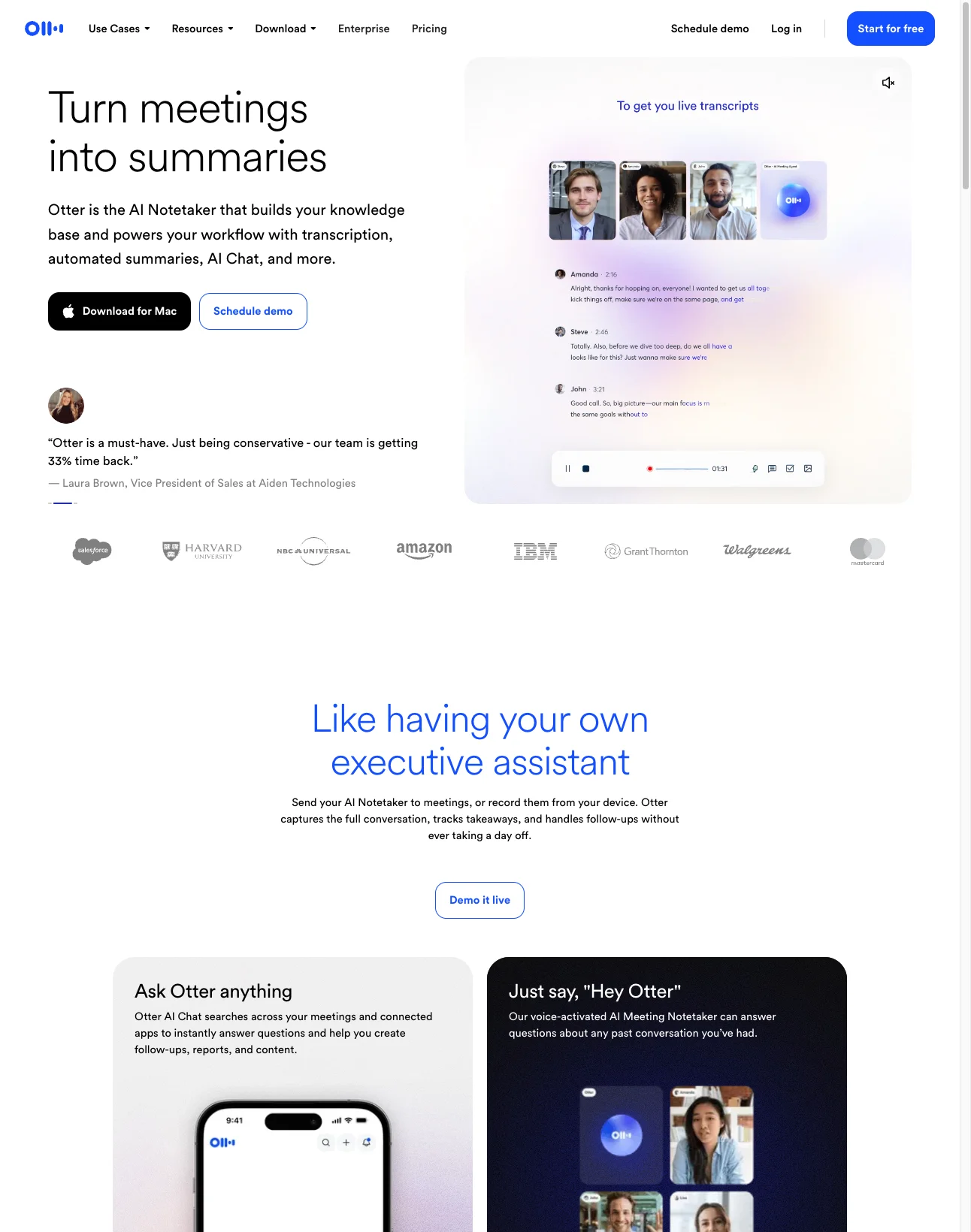
I need to be blunt about something: Otter.ai shows up in every "free dictation app" list, but it is not a dictation app. It is a meeting transcription tool. You cannot use it to type an email. You cannot use it to dictate into Slack. It captures meetings and produces searchable transcripts. That is its job, and it does that job well.
The free plan gives you 300 minutes per month. Otter joins your Zoom, Teams, or Google Meet calls, identifies speakers, generates timestamped transcripts, and provides AI summaries. For meeting-heavy roles, this is legitimately useful even on the free tier.
What you get for free:
- 300 minutes of transcription per month
- Speaker identification
- Integration with Zoom, Teams, and Google Meet
- AI Chat for querying your transcripts (20 queries/month)
- Mobile apps for iOS and Android
The reality check: 25 stored conversations. Only 3 lifetime audio file imports on the free plan -not 3 per month, 3 total ever. 5 custom vocabulary terms. Every word is processed on Otter's cloud servers. And critically: this will not help you dictate a single email. If you found this page searching for a free dictation app for Mac, Otter is probably not what you need. For actual dictation tools, see our ranked guide to AI dictation apps for Mac. For a deeper comparison, check our Otter.ai alternative analysis.
Free Dictation Got You Frustrated?
EmberType runs Whisper AI on your Mac. No cloud. No limits. No filler words in your text. 7-day free trial.
Try EmberType Free4. Speechnotes -No Install, No Expectations
Price: Free with ads | Web-based | Internet required
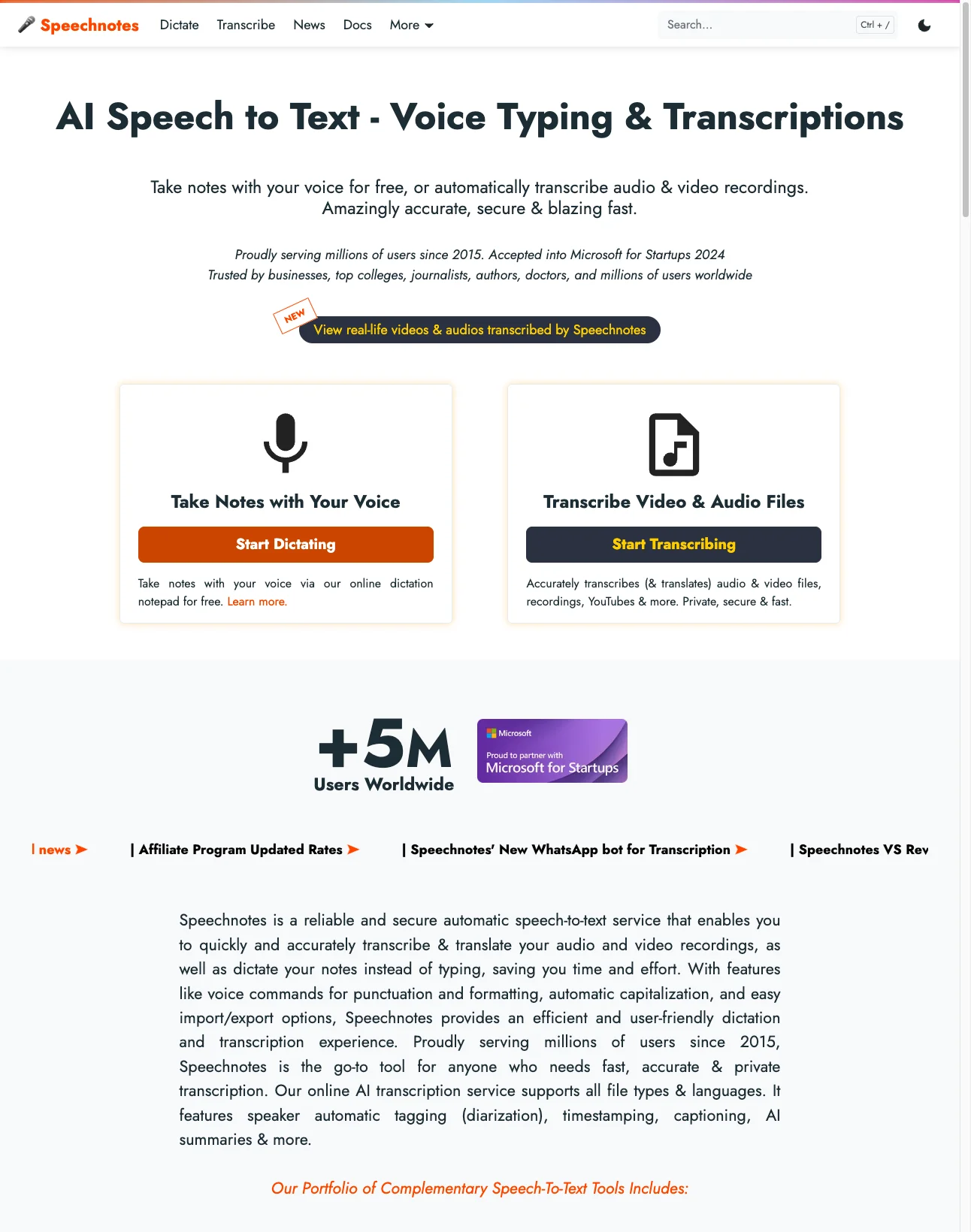
Speechnotes has the lowest barrier to entry of anything on this list. Open the website in Chrome or Edge, click the microphone, and talk. No account, no download, no setup. For someone who just wants to quickly dictate a few paragraphs and copy them somewhere else, it works.
Under the hood it uses Google and Microsoft speech engines. The accuracy is similar to Google Docs Voice Typing -roughly 95% for clear English in a quiet room. The Chrome extension lets you voice-type into web forms, which is a nice touch.
What you get for free:
- Unlimited dictation in the browser (with ads)
- Automatic punctuation and capitalization
- No registration required
- Chrome extension for voice typing on web forms
- Export to text, Google Drive, or email
What I noticed: During my test week, Speechnotes was the tool I reached for least. Not because it was bad, but because it occupied an awkward middle ground. If I was in Google Docs, I used Google's built-in voice typing. If I was in a native app, I used Apple Dictation. Speechnotes only made sense when I wanted to dictate into a blank notepad -and I do not work that way. The ads are also distracting during focused dictation. If you want offline AI tools for Mac, web-based tools are ruled out entirely.
5. EmberType -What $49 Gets You Over Free
Price: 7-day free trial, then $49 one-time | Whisper AI | 100% Offline
I said I would be honest, so here is the honest pitch: EmberType is not a free app. The 7-day trial gives you full access to everything -no limits, no account, no credit card. After that, it is $49. Once. Forever.
After my week of free tools, going back to EmberType felt like taking off a pair of too-tight shoes. The filler words were gone. The technical terms were correct. I pressed a shortcut in Slack, spoke, and the text appeared in Slack -not in some other window I would need to copy from.
Here is the concrete difference I measured during my test week. I dictated the same 500-word passage using Apple Dictation, Google Docs Voice Typing, and EmberType (using Whisper Large v3 Turbo). Results:
- Apple Dictation: 87% accuracy, 14 errors needing manual correction, filler words included, 6 minutes total (including edits)
- Google Docs Voice Typing: 91% accuracy, 9 errors, filler words included, 5 minutes total (including copy-paste to target app)
- EmberType: 97% accuracy, 3 errors, filler words removed, 2 minutes total (text appeared directly in the target app)
EmberType runs Whisper AI entirely on your Mac. Your voice never leaves your computer. It works in every app -email, Slack, VS Code, Google Docs, browsers, Notes, Pages. Contextual awareness means it formats differently depending on whether you are writing an email or coding. It is also open source.
After the trial: $49 one-time. No subscription. Three Mac activations. For comparisons with subscription alternatives, see our Wispr Flow alternative and SuperWhisper alternative guides.
The Real Cost of Free Dictation
Here is what my week-long experiment crystallized for me. "Free" dictation on Mac costs you three things:
1. Your time. I spent an estimated 15-20 extra minutes per day fixing errors, copying text between apps, and working around limitations. Over a month, that is roughly 6-8 hours. If your time is worth $30/hour, free dictation costs you $180-240 per month in lost productivity. EmberType costs $49 total.
2. Your privacy. Every free option except Apple Dictation's basic mode sends your voice to cloud servers. Google hears everything you dictate in Docs. Otter processes your meetings on their infrastructure. Speechnotes routes through Google and Microsoft. If you are dictating client information, medical notes, legal documents, or anything confidential, "free" has a compliance cost you may not have considered. For more on this, read about the voice assistant privacy crisis.
3. Your flow state. This one is harder to quantify but it matters the most. The whole point of dictation is that you stop thinking about the tool and start thinking in speech. Every error you have to fix, every time you switch apps to copy text, every "um" you have to manually delete -it pulls you out of that flow. After a week on free tools, the thing I missed most was not a feature. It was the feeling of the tool being invisible.
Is free dictation on Mac good enough? For quick messages, yes. Apple Dictation handles that perfectly. For anything more demanding -professional writing, technical documentation, extended dictation sessions, privacy-sensitive work -the free options make you pay in ways that do not show up on a price tag. For a broader look at all your options, see our guide to the best dictation apps for Mac.
How to Start: Free First, Then Upgrade
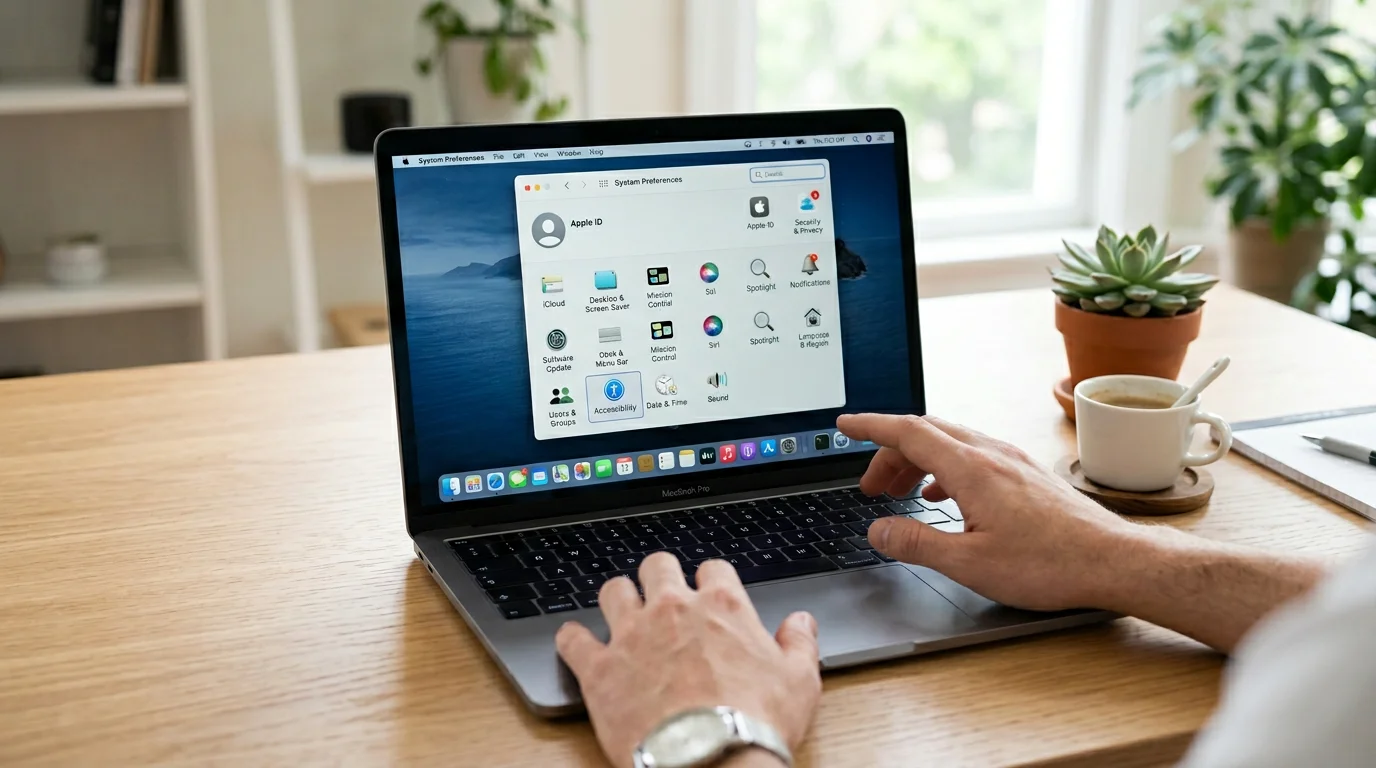
My actual recommendation is this: start free. Enable Apple Dictation today -it is already on your Mac:
- Open System Settings
- Click Keyboard
- Toggle Dictation on
- Choose your language and microphone
- Press Fn twice in any text field to start
Use it for a few days. Get comfortable speaking instead of typing. Notice the things that frustrate you. If it is good enough for how you work, you are done -you do not need to spend a dollar.
If you find yourself wishing for better accuracy, cleaner output, or the ability to dictate without your voice going to a server -try EmberType's 7-day trial. No account. No credit card. The difference will be obvious within the first paragraph you dictate. For help choosing the right AI model, see our recommended models guide.
Frequently Asked Questions

Free Mac Dictation Tips
Get tips on voice-to-text, dictation workflows, and productivity. No spam.
Unsubscribe anytime. We never share your email.
You're in! Check your inbox.
Try the Best Dictation App for Mac -Free for 7 Days
No account. No credit card. Just download EmberType and start talking.
Download EmberType FreemacOS 14+ required. Apple Silicon only. $49 one-time after trial.