
By Steve Mount, builder of EmberType, a Mac dictation app sold for a one-time price. Prices and limits below come from Wispr’s pricing page, plans documentation and students page, checked on September 18, 2026. This is a documented cost guide, not a hands-on review.
Wispr Flow Pro costs $15 per user per month, or $144 per user per year when billed annually. The Free plan is a permanent tier capped at 2,000 words a week on desktop, not a time-limited trial. There is no lifetime or one-time price. Those three facts settle most of the question. The rest of this article is about what they mean for a person who dictates on a Mac.
The plan table, with dates
| Plan | Monthly billing | Annual billing | Word limit | Who it is for |
|---|---|---|---|---|
| Free | $0 | $0 | 2,000 words/week on desktop, 1,000/week on mobile | Individuals |
| Pro | $15 per user | $12 per user per month ($144 a year) | Unlimited | Individuals and teams |
| Growth | From $23 per user ($33 with Notetaker included) | From $18 per user per month ($26 with Notetaker) | Unlimited | Teams needing SSO, admin controls, HIPAA enforcement with a BAA |
| Enterprise | Custom | Unlimited | Provisioning, audit logs, contract terms | |
Sources: the pricing page and the plans documentation, which Wispr had updated about two days before I checked. The documentation also lists iPhone prices of $5 a week, $15 a month or $12 a month billed annually, which it describes as fallback list prices the iOS Plan screen may show before live pricing loads. The 20% annual saving is real, but it is a $144 commitment paid up front, not a $12 purchase.
Two figures you will see elsewhere are not on Wispr’s pages. One August guide notes that “$19/month” results in search are stale, and I found no $19 price on Wispr’s pricing page, plans documentation or students page. Another site describes a 5,000-word hard cap on the free plan that resets on Sundays; that number does not appear in the pricing page or the plans documentation, so I would not plan around it. Wispr’s Google Play listing described Android dictation as free and unlimited “for now” when I checked; the pricing page’s compare table lists mobile at 1,000 words a week, so treat the Android allowance as a promotion that can end.
Free is a tier, not a trial
A Wired piece that ranks on this search describes Flow’s prices as applying “after an extremely limited free trial.” Wispr’s own documentation says something different. The Free plan is an ongoing tier: dictation in any app on every platform, a personal dictionary, and a weekly word allowance that resets. No card is required. Separately, most new accounts get a Pro trial, which the plans documentation lists as two weeks by default, one month if a friend referred you, three months for students and two weeks for team trials. The same document notes that some new desktop users start on Flow Free, or get a higher first-week allowance, instead of a trial.
So the honest description is: usually an unlimited Pro trial for two weeks, then either pay or drop to a capped free plan that never expires. That is a more generous structure than a trial that ends in a paywall, and a less generous one than “free,” because the cap is the whole question.
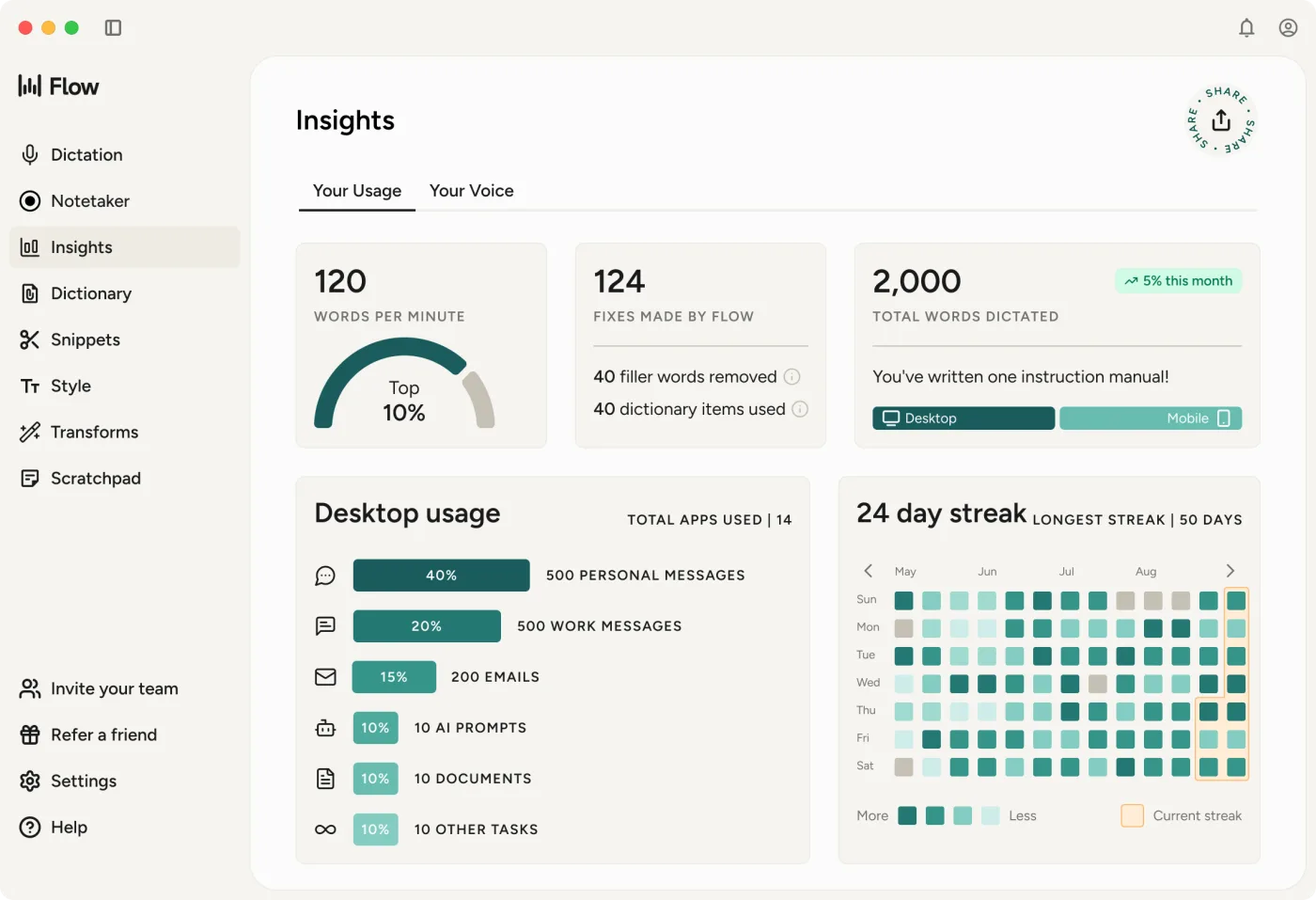
What 2,000 words a week actually is
People do not think in words; they think in emails and minutes. The average American English conversation runs at about 150 words per minute, a figure attributed to the National Center for Voice and Speech. Dictation is usually slower than conversation because you pause to think, so treat these as upper bounds:
- 2,000 words a week on desktop is roughly 13 minutes of continuous speech, or about 15 to 20 typical work emails at 100 to 130 words each, spread across seven days.
- 1,000 words a week on mobile is roughly seven minutes of speech, or a couple of long messages a day.
If you are trying Flow to answer email while you think faster than you type, 2,000 words is enough to learn whether you like it and not enough to live on. A single dictated meeting summary or a first draft of a document can use the whole week on one day. That is the point of the cap, and it is why the free plan is best understood as an extended evaluation rather than a way to avoid paying.
What you pay over one, three and five years
| How you pay | One year | Three years | Five years |
|---|---|---|---|
| Pro, monthly ($15) | $180 | $540 | $900 |
| Pro, annual ($144) | $144 | $432 | $720 |
| Pro, student offer (3 months free, then $6 a month, billed annually) | $54 | $198 | $342 |
| Growth, annual (from $18 a month) | $216 | $648 | $1,080 |
The student row assumes the offer keeps applying, which the students page ties to an education email and describes as 50% off, charged as $6 a month billed annually rather than month to month. The monthly plan costs $36 a year more than the annual plan; that premium buys the ability to cancel in a month you do not dictate. Wispr’s plans documentation says existing subscribers keep their original price and currency, but list prices for new buyers can change, so read the table as “at today’s rates.”
The number that matters is not any single row. It is that every row keeps growing. There is no year in which a Flow subscriber stops paying and keeps the product, because Flow does not list a lifetime plan. Ten months ago, in the Reddit thread that ranks second for this search, the poster said they would buy a one-time licence instantly if one existed, and later that they would probably jump on it, and another commenter wrote that the subscription was not worth it. A one-time licence still does not exist.
Discounts that are actually on Wispr’s pages
- Students and educators: three months free, then $6 a month, with an education email. Wispr’s FAQ phrases it as 50% off Flow Pro.
- Referrals: refer a friend and, once they reach 2,000 words or upgrade to Pro, you both get a free month. A referred account also gets a one-month Pro trial instead of two weeks.
- Annual billing: 20% off the monthly rate.
I did not find a lifetime deal, a bundle, or a regional price on the official pages. Coupon sites promising more are outside anything Wispr documents.
What the subscription is paying for
It is fair to ask why a dictation app costs $144 a year when macOS includes dictation. The answer is in Wispr’s architecture. Its privacy page states that transcription always happens in the cloud, and the data controls page describes optional cloud storage of transcripts, audio and history so that your dictionary and history follow you across devices. Cloud speech recognition and language models cost Wispr money every time you speak. A recurring price is the natural fit for a recurring cost.
The AI formatting that strips filler words and shapes sentences is the core product and runs on the free plan too; Wispr’s own Insights screen counts the filler words it removed. What the plan pages say the subscription adds: unlimited dictations, a shared dictionary and snippets on Pro, the Notetaker for meetings with longer history on paid plans, and, on Growth, single sign-on and organisation-wide HIPAA enforcement with a signed BAA. If a team needs central billing and admin control of the “Improve the model for everyone” setting, the per-seat price is buying real administration, not just dictation.
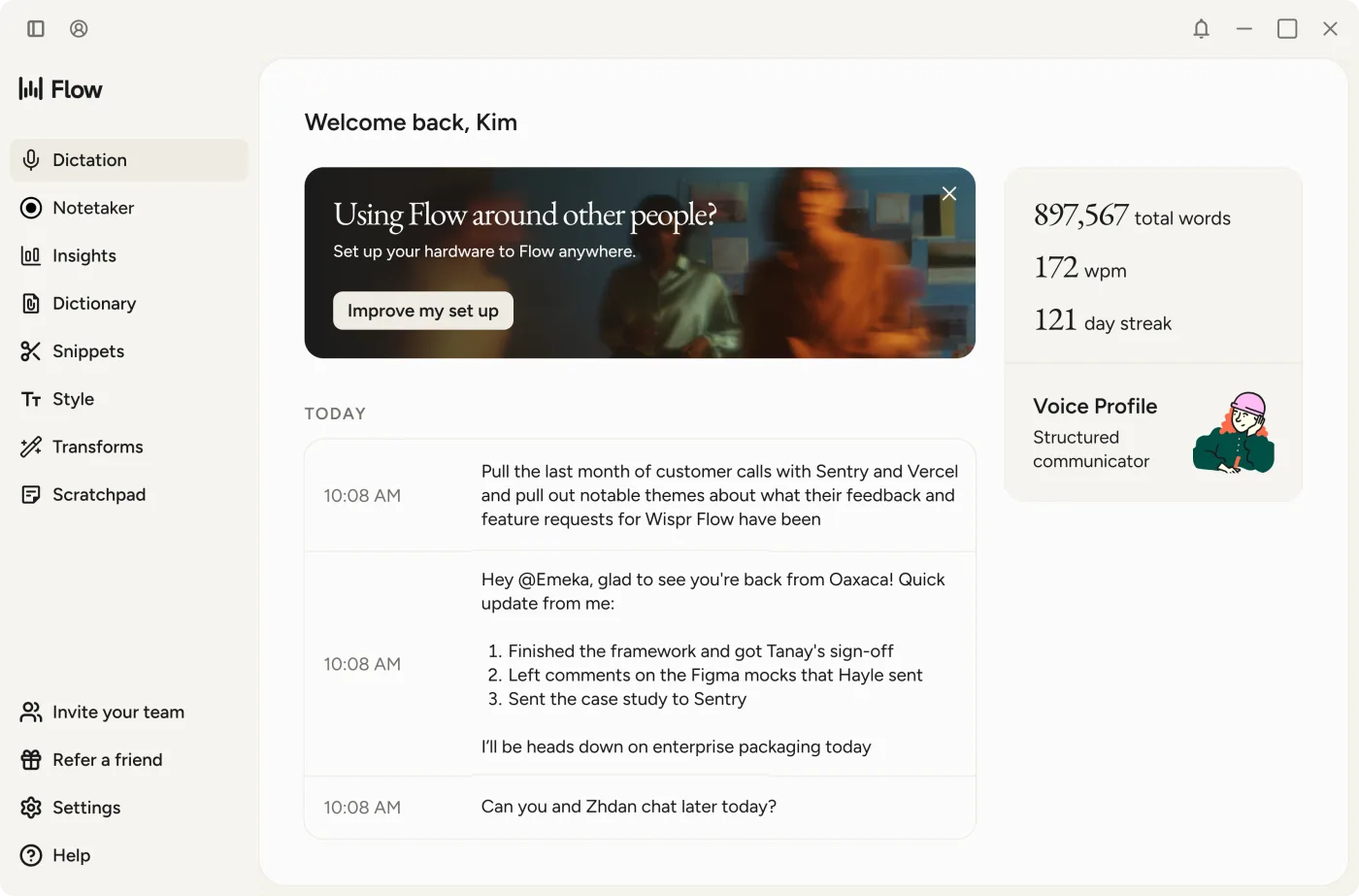
Two settings are worth knowing before you pay. “Improve the model for everyone” decides whether Wispr may use your dictation audio, transcripts and edits to improve its models; turning it off does not move processing onto your Mac. “Dictation cloud storage” decides whether your transcripts and audio are kept on Wispr’s servers for cross-device features. Wispr says it holds zero-retention agreements with the third-party AI providers that process dictation. Those are reasonable controls for a cloud product; they are not an offline mode, and the price does not include one.
When a one-time Mac app is the cheaper answer
If the requirement is “dictate into any app on my Mac,” the cloud, the phone apps and the team console are features you are paying for and not using. This is where I have an obvious interest, so here is the comparison in plain numbers rather than adjectives.
| Option | Price model | Five years | Speech processing |
|---|---|---|---|
| Wispr Flow Pro, annual | $144 a year | $720 | Cloud |
| Superwhisper lifetime | $249.99 once (direct price checked September 11) | $249.99 | Local models available |
| EmberType | $39 once, after a seven-day trial | $39 | Local models, optional cloud providers |
| macOS Dictation | Included | $0 | On-device for general text dictation in supported languages; Apple says to check Keyboard settings, and search-box dictation goes to Apple |
The table is deliberately unfair to Flow in one way: it prices a Mac-only workflow, and Flow’s value is partly that it is not Mac-only. If you dictate on an iPhone, a Windows PC and a Mac, or your company will pay for seats and wants SSO, none of the one-time options replaces it. Superwhisper’s lifetime license is discussed in more detail in my Superwhisper vs Wispr Flow comparison, and the alternatives guide covers the offline question.
EmberType is the option I build: $39 one-time for Apple Silicon Macs on macOS 14 or later, with downloadable local speech models so ordinary dictation does not leave the machine, and optional cloud AI providers you can leave switched off. It does not have Flow’s phone apps, Notetaker or team administration, and it is not trying to.
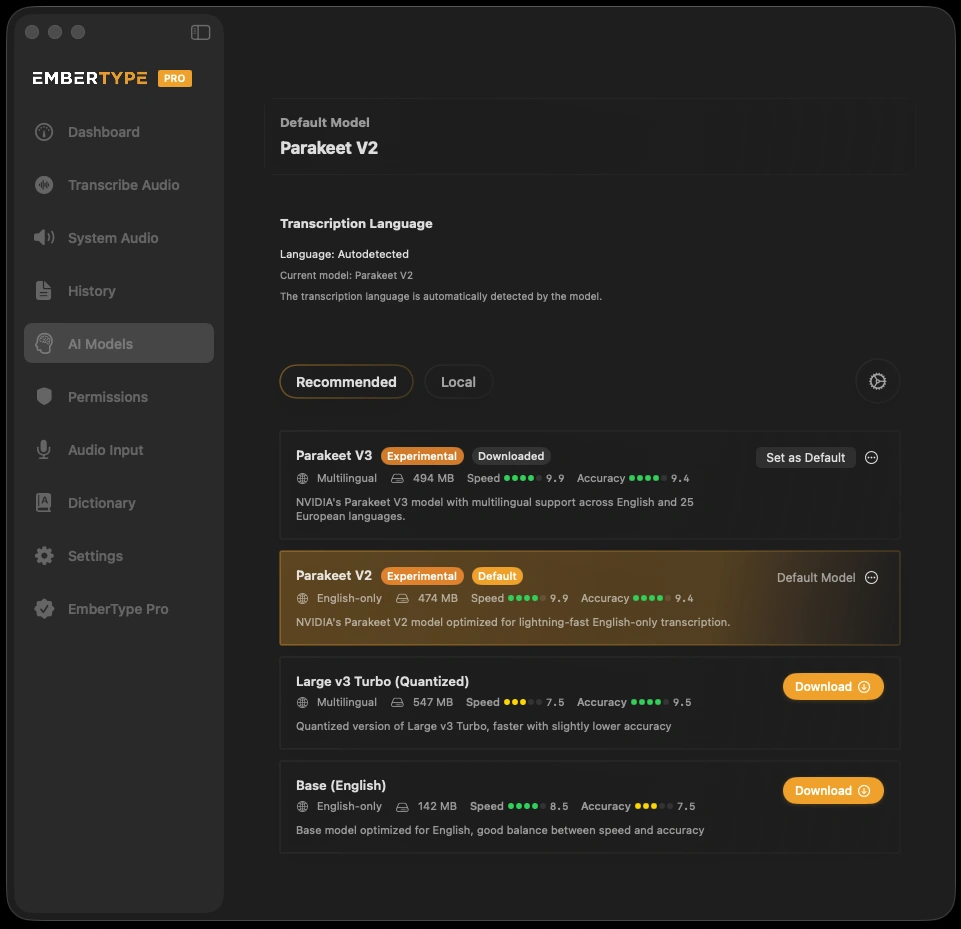
Price a Mac-only workflow at $39
Try EmberType free for seven days on your own emails and documents. No card, no weekly word cap during the trial.
Download EmberTypeApple Silicon · macOS 14+ · $39 one-time after the trial
Check before you buy
- Count a real week on the free plan. If you hit 2,000 words by Wednesday, you are a paying user; if you never get near it, Free may be all you need.
- Decide who pays. Individuals should compare $144 a year against a one-time app; a team should compare Growth’s admin controls against what its IT policy actually requires.
- Read the two data toggles before dictating anything sensitive, and remember that neither one keeps speech on your Mac.
- Re-check the prices. Wispr updated its plans documentation days before this article; the figures here carry a date for a reason.
For the privacy side of the same decision, see what happened when Wispr Flow banned a user, and for the one-time-price case in general, Mac dictation without a subscription. More comparisons are in the comparisons hub.
