
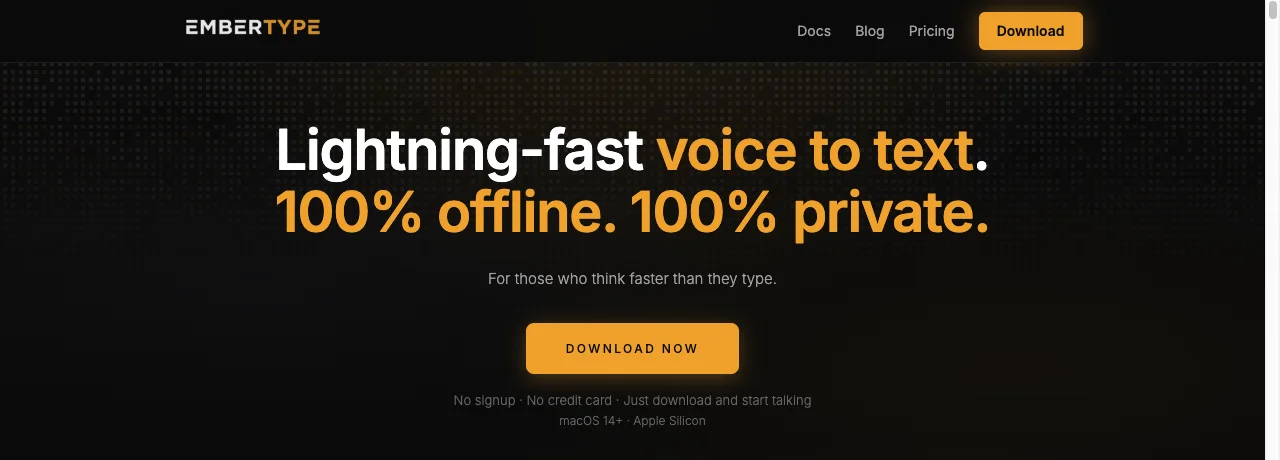
Search "voice to text app for Mac" and every result on page one is a company's own homepage. VoiceInk's homepage. Superwhisper's homepage. Spokenly's homepage. Mine, some days. None of them are going to tell you when a competitor is the better pick for your specific case, because that's not what a homepage is for. This is what a homepage can't be: a map of the category, drawn by someone who actually knows the category, who admits when they're graded on the curve.
So before anything else, the one distinction that half the people landing on this search are actually looking for and don't realize it yet:
Dictation and transcription are not the same search
If you want to speak into an email, a Slack message, or a code editor and watch text appear live, you want a dictation app. If you have an existing recording — a lecture, a podcast, a Zoom call — and you want it converted into a text document after the fact, you want a transcription app. A few tools do both. Most are built around one and bolt the other on as an afterthought. Getting this wrong is the single most common reason people try an app, find it "doesn't work," and give up — they downloaded a file-transcription tool expecting live dictation, or the reverse.
With that sorted, here's the map, organized by what you actually need rather than a ranked top-5 that pretends one app wins at everything.
Option 1: Free, and already on your Mac
Apple's built-in Dictation costs nothing and requires no download. Turn it on in System Settings > Keyboard > Dictation, and on Apple Silicon Macs, Apple's own documentation confirms your voice inputs are processed on-device rather than sent to Siri's servers by default. You can dictate for as long as you want; it only stops after 30 seconds of silence. It's genuinely fine for short messages and notes.
Where it shows its age: you have to say "period," "comma," and "new paragraph" out loud, there's no custom dictionary for jargon or names, and accuracy on technical vocabulary or fast speech lags noticeably behind the AI models every app below is built on. If dictation is an occasional convenience for you, stop here — you don't need to buy anything. If you dictate for a living, keep reading.
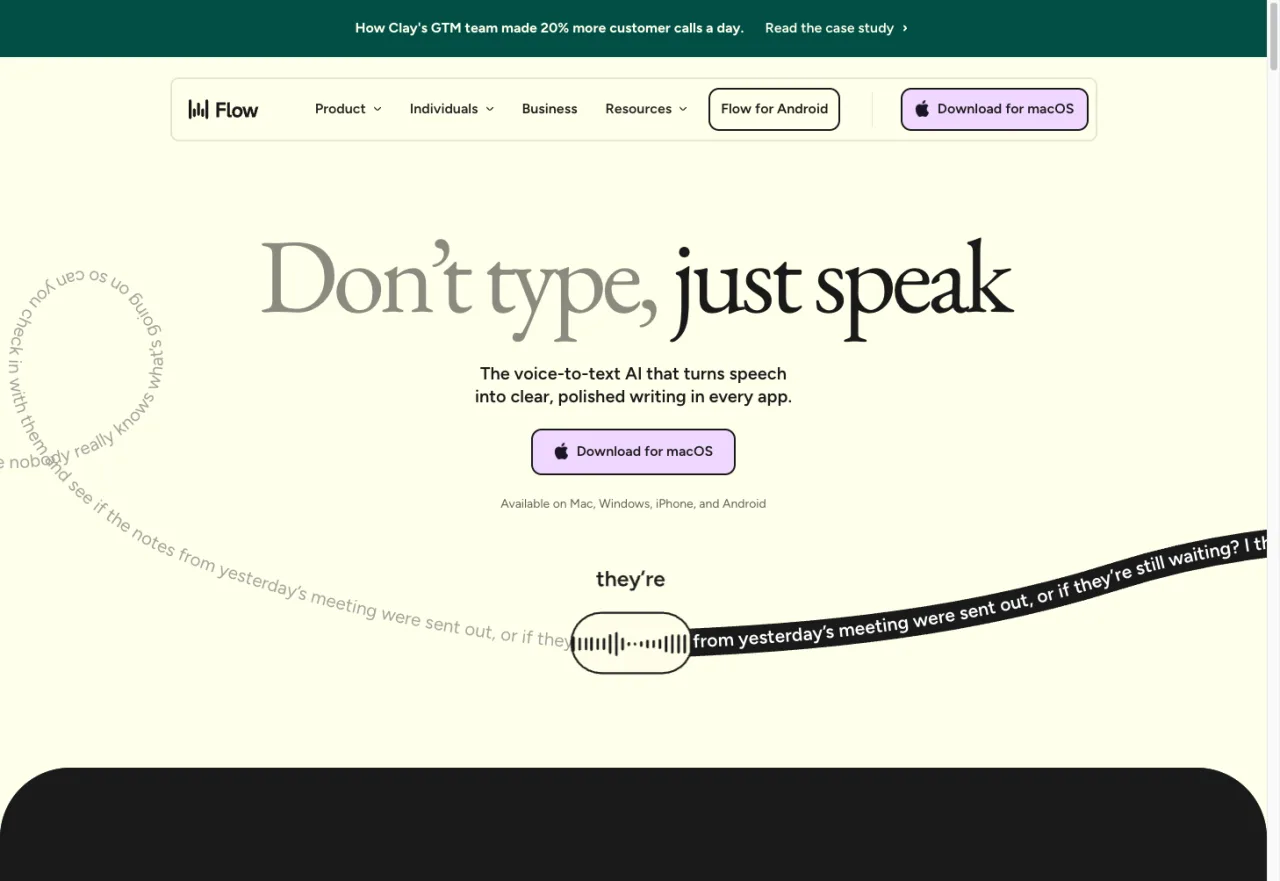
Option 2: Subscription, AI-polished, cross-platform — Wispr Flow
Wispr Flow is the strongest tool in this list if what you want isn't a literal transcript but AI-cleaned writing — it takes rambling, filler-word-heavy speech and turns it into something that reads like you wrote it carefully. That's a genuinely different product than the transcribe-what-you-said apps below, and for a lot of people composing emails or Slack messages, it's the better fit. It runs on Mac, Windows, iPhone, and Android from one subscription, which none of the offline Mac-only apps here can match.
The trade-off is the trade-off you'd expect: it's subscription-only, no one-time purchase. Flow's own pricing page, checked July 2026, lists a free Basic tier (2,000 words/week on Mac or Windows, 1,000/week on iPhone) and Flow Pro at $12/user/month billed annually or $15/month billed monthly, for unlimited words across all platforms. It's AI-polish-first, which means the writing you get back isn't always exactly what you said — for people who want that, it's a feature; for people who need a literal, verbatim transcript, it's a reason to look elsewhere.
Option 3: One-time purchase, fully offline dictation — where EmberType actually sits
This is the category I'm in, and it's crowded enough that I'll say plainly: there are three legitimate options here, and which one you pick should come down to price, activation limits, and how much you trust a two-year-old app versus a newer one, not marketing copy.
EmberType — the app I make — runs entirely offline on OpenAI's Whisper (with NVIDIA's Parakeet also available as a faster, experimental alternative model). It's $49 one-time, a 7-day trial, and covers 3 Mac activations on one license. No account is required to transcribe, nothing you say leaves the machine, and it requires macOS 14+ on Apple Silicon. I'm not going to pretend it's the cheapest option on this list — it isn't.
VoiceInk is the cheapest one-time option and, notably, open-source-adjacent in spirit — it's the project EmberType was originally built from before we diverged into our own product. Checked July 2026, its official pricing is $25 for a single-Mac Solo license, $39 for Personal (2 Macs), and $49 for Extended (3 Macs) — no subscriptions, pay once. It requires macOS 14.4+ on Apple Silicon and processes locally with local AI models, with optional cloud enhancement for text cleanup only. If you want the absolute lowest entry price for offline dictation and don't need the extras a paid, actively-marketed product adds, VoiceInk at $25 is hard to argue with.
Superwhisper pioneered running Whisper locally on Apple Silicon Macs, and it still has a free tier plus a real offline mode. But its pricing has shifted toward a subscription-first model: per its own checkout page, checked July 2026, Pro runs $8.49/month, $84.99/year, or $249.99 as a one-time lifetime license — the lifetime option exists, but at five times EmberType's price and ten times VoiceInk's, it's positioned very differently than the other two. Superwhisper also notes that Intel Macs work best with its cloud models and that offline performance is strongest on Apple Silicon, so the "offline" claim comes with a hardware asterisk the other two don't have.
| App | Price | Offline? | Live dictation / File transcription | Platforms |
|---|---|---|---|---|
| Apple Dictation | Free, built-in | Yes (Apple Silicon, on-device) | Live dictation | macOS only |
| Wispr Flow | $12–15/mo (no one-time option) | Not published as offline | Live dictation, AI-polished | Mac, Windows, iPhone, Android |
| EmberType | $49 one-time (3 Macs) | Yes, fully offline | Live dictation | macOS (Apple Silicon) |
| VoiceInk | $25–49 one-time (1–3 Macs) | Yes, fully offline | Live dictation | macOS (Apple Silicon), iOS |
| Superwhisper | $8.49/mo, $84.99/yr, or $249.99 lifetime | Yes on Apple Silicon; cloud recommended on Intel | Live dictation | Mac, Windows, iOS |
| MacWhisper | Free tier, €64 one-time Pro | Yes, fully offline | File/meeting transcription (dictation also available) | macOS only |
Pricing verified against each vendor's official site or checkout page, July 2026. Prices and terms change — check the linked source before buying.
Option 4: You actually want file transcription — MacWhisper
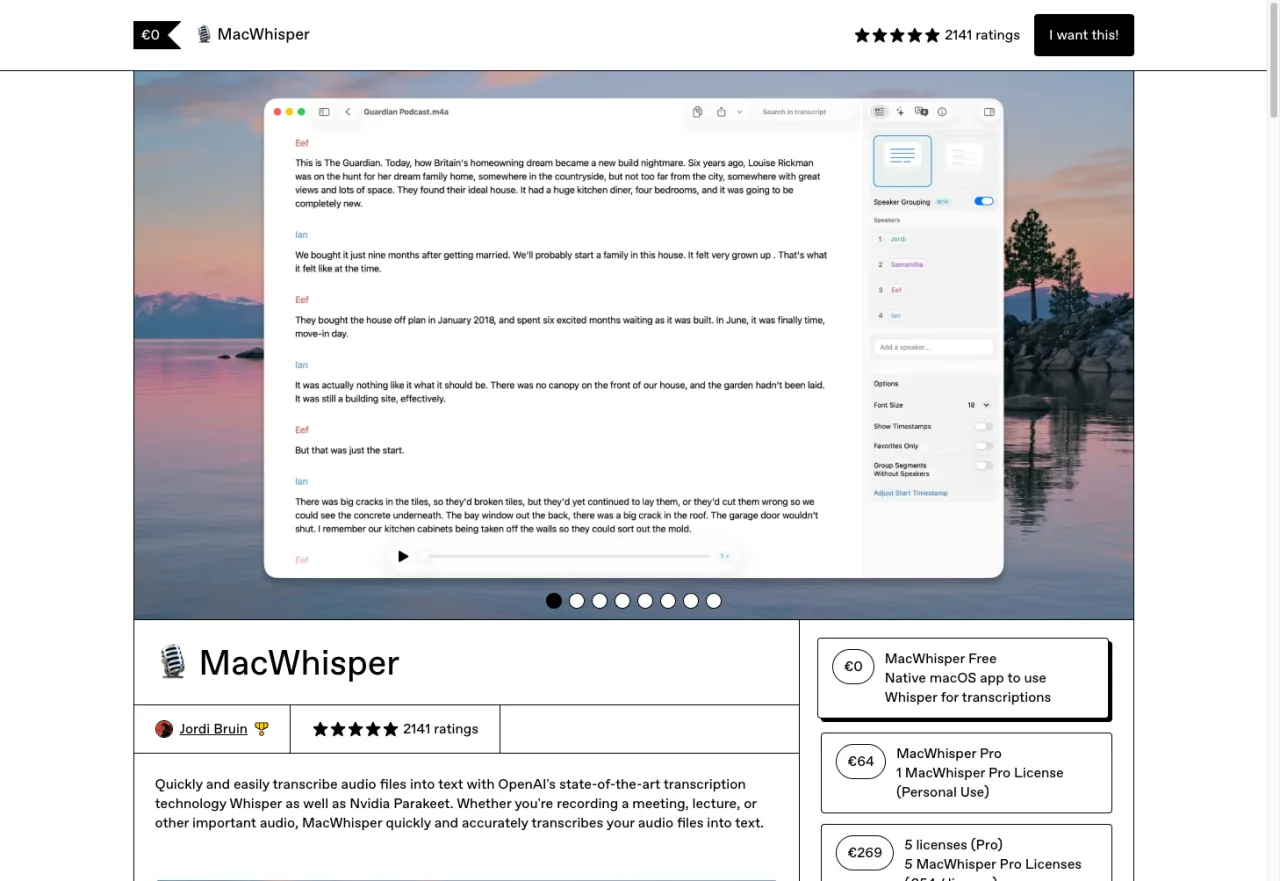
MacWhisper is the app I'd point you to if what you're really searching for is "how do I turn this recording into text," not "how do I speak instead of typing." Its homepage leads with dragging in lectures, podcasts, and private audio files, and recording Zoom, Teams, Webex, Skype, and Discord meetings in the background — that's the job it's built for, and it does it well, with 100+ language support and exports to .srt, .vtt, .txt, .pdf, .docx, .md, and .html. To be fair to it, MacWhisper does also ship a live dictation mode for typing into other apps, so it's not purely file-first — but transcription is clearly the product's center of gravity, not an afterthought.
Pricing, confirmed on macwhisper.com in July 2026: a genuinely capable free tier, and MacWhisper Pro at €64 one-time ("Pay Once," with lifetime updates) for batch processing, AI integrations, and CLI access. If your actual use case is "I recorded a two-hour interview and need a transcript," none of the live-dictation apps above are the right tool — MacWhisper is.
So which one, honestly?
If I strip out the fact that I sell one of these: start with Apple's free Dictation and only pay for something if it's actively costing you time. If it is, ask yourself the dictation-vs-transcription question first — it eliminates half the list immediately. From there, if you want AI to polish rambling speech and don't mind a subscription across every device you own, Wispr Flow is the best build of that idea on the market right now. If you want fast, private, one-time-purchase offline dictation on your Mac, you're choosing between EmberType, VoiceInk, and Superwhisper, and honestly the fair way to choose is price and how many Macs you need to cover — VoiceInk wins on price, Superwhisper's lifetime tier is the most expensive of the three, and EmberType sits in between with 3 activations included. If you're transcribing files or meetings rather than dictating live, none of the above are it — MacWhisper is.
I'd rather lose a sale to the right recommendation than win one to the wrong app that gets refunded in a week. If EmberType is the right fit for what you actually do — fast, offline, one-time, Mac-only — I'd love for you to try it. If it isn't, now you know where to look instead.
See if EmberType fits how you actually dictate.
100% offline, Whisper-powered voice-to-text for Mac. No account required to transcribe, nothing leaves your machine.
Download EmberType Free7-day trial. $49 one-time after, 3 Mac activations. macOS 14+, Apple Silicon.
FAQ
What is the best voice to text app for Mac?
There isn't one best app — there's a best app for what you're doing. If you dictate occasionally and don't mind saying punctuation aloud, Apple's free built-in Dictation covers it. If you want AI to clean up rambling speech into polished writing and don't mind a subscription, Wispr Flow is the strongest option. If you want fast, private, offline dictation with a one-time purchase, EmberType, Superwhisper, and VoiceInk all qualify — the difference comes down to price and per-Mac activation limits. If you're transcribing recorded audio or meetings rather than dictating live, MacWhisper is built for that job specifically.
Is there a free voice to text app for Mac?
Yes. macOS ships with Dictation built in at no cost — enable it in System Settings > Keyboard > Dictation. On Apple Silicon it processes on-device. Most third-party apps in this roundup, including EmberType, Superwhisper, VoiceInk, and MacWhisper, also offer a free tier or trial before any purchase.
What's the difference between a dictation app and a transcription app?
A dictation app listens while you speak and types the text live into whatever app you're using — email, Slack, a code editor. A transcription app converts an existing audio or video file, or a recorded meeting, into a text document after the fact. Some apps, like MacWhisper, do both; most specialize in one or the other, and which one you need depends on whether you're writing as you talk or turning a recording into a document.
Do voice to text apps for Mac work offline?
Some do, some don't, and it matters more than most listicles admit. EmberType, VoiceInk, and MacWhisper's core transcription run fully on-device with no account or internet connection required. Superwhisper works offline on Apple Silicon Macs, though the company notes Intel Macs work best with its cloud models. Wispr Flow does not publish offline processing as a feature and is built around cloud AI polish. Apple's built-in Dictation processes on-device on Apple Silicon.

Free Mac Dictation Tips
Privacy-first voice-to-text, offline workflows, and honest notes on the models under the hood. No spam.
Unsubscribe anytime. We never share your email.
You're in! Check your inbox.