
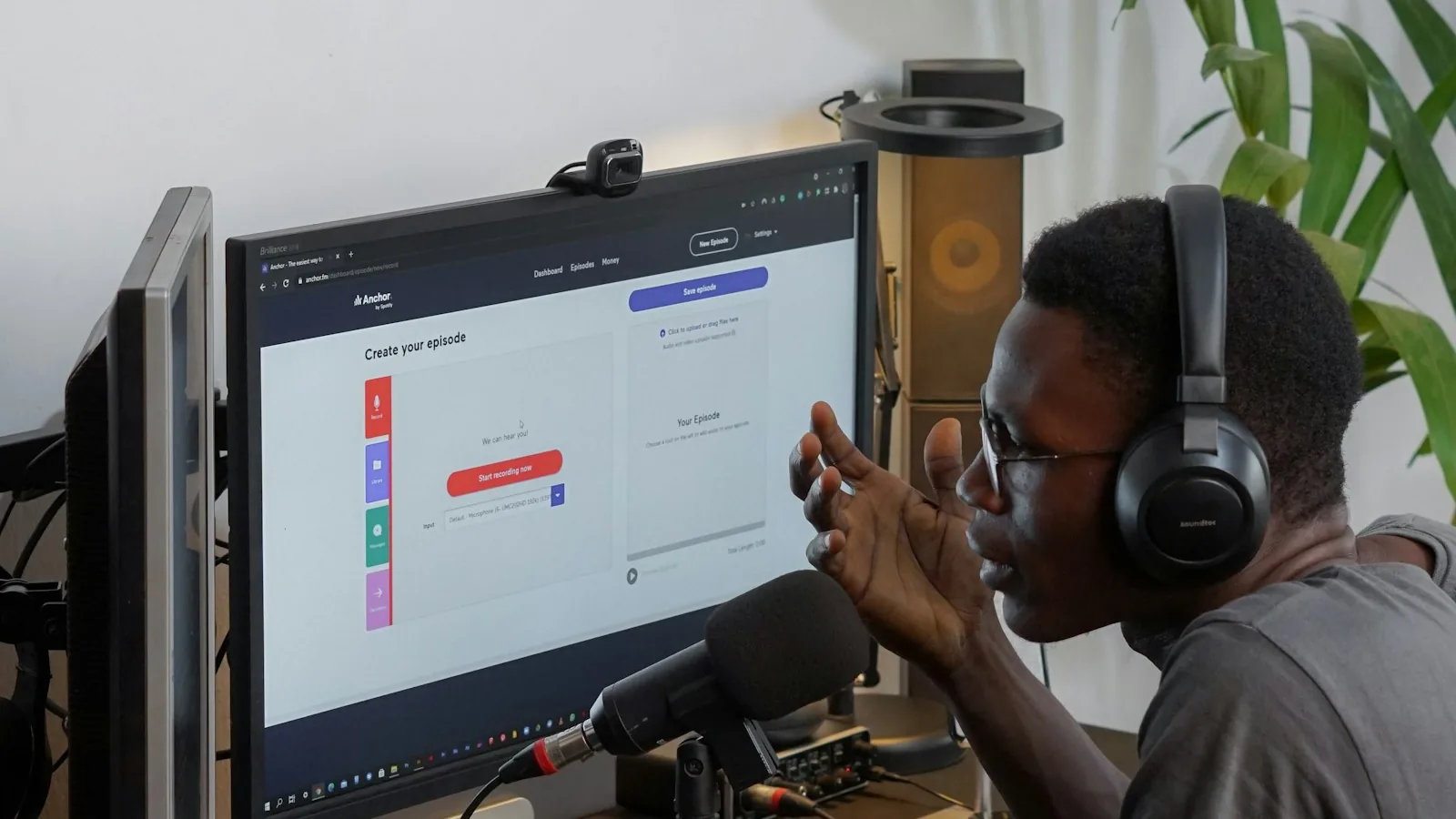
I had a specific setup. Cmd+Shift+V would activate ChatGPT voice in the Mac app, I'd speak a question, and by the time I'd finished my sentence I already had the answer forming in a window I could glance at without switching focus. It was one of the few AI workflows I'd built that actually felt native to how I think.
Then on December 19, 2025, OpenAI announced it was retiring voice on the Mac desktop app. The cutoff was January 15, 2026. After that date, the voice button in the Mac app just disappears. The browser version still has voice. The iOS app still has voice. The Mac app — nothing.
The official reason: OpenAI wants to focus on a "more unified and improved voice experience across their apps." The unofficial reason most longtime users point to: voice on the Mac app had been riddled with stability issues since mid-2025 — voice cutting out mid-response, audio artifacts, random background sounds. OpenAI couldn't fix it fast enough, so they pulled it.
Quick answer
If you just want to dictate prompts into ChatGPT fast, a local Mac dictation tool solves that in every app at once — not just ChatGPT. If you specifically want two-way conversation with the model, your only options are chatgpt.com in a browser, the iOS app, or a third-party wrapper that calls the OpenAI Realtime API.
The workflow I actually lost
Before getting into alternatives, it's worth being honest about what exactly disappeared — because the right replacement depends on which part of the feature you used.
There were really two things the Mac app's voice feature did:
- Fast voice-to-text input into ChatGPT. Hold a key, speak, release, send. This was the 80% case for me. Not conversation — just skipping the keyboard for long prompts.
- Back-and-forth spoken conversation. This was ChatGPT's "Advanced Voice Mode" where the model talked back in near-real-time and you could interrupt. Only a small subset of users ran this frequently.
If you were mostly in camp #1, the browser fallback is genuinely annoying (I'll get to why) and local dictation fixes it completely. If you were in camp #2, you're stuck with the browser or iOS — there's no drop-in Mac replacement yet.
Why the browser fallback isn't "good enough"
OpenAI's official guidance is: just use chatgpt.com in your browser. I tried this for about a week. Three problems killed it:
No system-wide shortcut. With the Mac app, I had a global Cmd+Shift+V that could activate ChatGPT from anywhere. In the browser, you have to click into the Chrome/Safari window, click into the text box, click the mic icon. That's three extra interactions compared to one. It breaks the thing that made voice useful in the first place — speed of capture.
Window management regression. The native app could float above other apps and be summoned quickly. The browser is just another tab — easy to lose, easy to get buried, doesn't coexist well with your actual work.
Privacy posture is worse, not better. When you use voice in the browser, your audio still goes to OpenAI's servers for transcription, same as before. But you're now also dealing with browser-level permissions, tab-level mic access confusion, and you lose the small UX advantages that made it feel contained. Nothing about the browser fallback is more private — it's just less convenient.
I lasted about five days on the browser-only workflow before I started looking for a real replacement.
What I actually switched to
Here's what surprised me: once I stopped thinking about it as "replacing ChatGPT voice" and started thinking about it as "getting voice input everywhere on my Mac," the problem got easier.
I didn't just lose voice for ChatGPT. I also had a lingering problem with Apple's built-in dictation timing out after a minute, and with wanting voice in Slack, Notes, Linear, and every other app I type into all day. A system-wide dictation tool solves all of those at once — ChatGPT included.
So the real question wasn't "what replaces ChatGPT voice." It was "what gives me fast, accurate voice-to-text in every text field on macOS, including ChatGPT." Below are the tools I actually considered, with honest takes on where each one fits.
EmberType (what I build, and what I use)
I'll be transparent: this is our product. We built EmberType because we wanted exactly this — a hotkey, speak, and have the text appear in whatever app is focused, including ChatGPT's input box. Because it uses Whisper AI locally on your Mac, nothing goes to a server. That's the main difference between EmberType and the other tools in this list.
For the ChatGPT voice use case specifically, it handles camp #1 (fast prompt dictation) completely — you hold the hotkey, speak, release, and the prompt appears in ChatGPT's text box. Send. Done. It does not do two-way spoken conversation, so if you specifically miss Advanced Voice Mode, it won't give you that back.
Best for: people who mostly used ChatGPT voice as a faster keyboard. Worst for: people who want real-time spoken conversation with the model.
MacWhisper
MacWhisper is the app a lot of Mac power users already had installed for audio file transcription. It now also does live dictation. It runs Whisper locally, so like EmberType, your audio doesn't leave your Mac. Solid choice. The UI is a bit more transcription-focused than dictation-focused — it's great if you also regularly transcribe meeting recordings or interviews.
Best for: people who need both file transcription and live dictation in one tool.
SuperWhisper
SuperWhisper is very popular on r/macapps. Runs Whisper locally, supports mode switching (dictation vs. AI-rewrite-and-paste), works everywhere on macOS. Genuinely good software. The pricing is the sticking point: they raised the lifetime license to $849 in April 2026 (up from $249). For that price, a lot of people are now re-evaluating.
Best for: people who want lots of customization modes and don't mind the pricing reset.
Wispr Flow
Wispr Flow has the best polish and the best AI-rewriting layer. The catch is that it's cloud-based — your audio is sent to their servers for processing. If your concern about ChatGPT voice was specifically privacy-related, Wispr Flow doesn't solve that problem, it just moves it to a different vendor. If your concern was purely workflow, Wispr Flow is excellent.
Best for: people who want the smoothest AI-rewrite experience and don't care about cloud processing.
Apple Dictation (built in)
Worth mentioning because it's free and already installed. In macOS Tahoe (26), it got better — but it still has the old timeout problem, still struggles with technical terms, and if you're on a Mac where dictation randomly stops working, you're just going to be frustrated. For short emails and text messages it's fine. For replacing ChatGPT voice, it's not.
Best for: occasional short dictation. Worst for: long-form prompts or anything technical.
Browser voice on chatgpt.com
Still works, still sends audio to OpenAI. Still supports Advanced Voice Mode for real-time conversation. The only option on Mac if you specifically want spoken two-way dialogue with the model. Just not a replacement for the native Mac app shortcut workflow.
Best for: Advanced Voice Mode users who need spoken conversation. Worst for: anyone who valued the keyboard shortcut and native-app speed.
What I'd recommend based on what you actually used voice for
If you mostly used ChatGPT voice to dictate long prompts faster than you could type them: any of the local Whisper tools above (EmberType, MacWhisper, SuperWhisper) will replace that workflow and extend it to every other app you use. This is the 80% case.
If you used ChatGPT voice for real spoken conversation (Advanced Voice Mode, back-and-forth dialogue): you're stuck with the browser version or the iOS app for now. No Mac-native tool replicates Advanced Voice Mode yet.
If your concern is specifically privacy — you never loved that OpenAI was hearing everything you said: this is actually the perfect moment to switch to a local tool. Voice stops leaving your Mac at all. For background on why that matters, the 2026 voice privacy landscape is not in a great place.
Voice Input That Works Everywhere on Your Mac
EmberType gives you a hotkey that turns speech into text in any app — ChatGPT, Slack, Notes, email, Linear, anything with a text field. Fully offline via local Whisper AI models, the default. With a local model, nothing leaves your Mac.
Download EmberType Free7-day free trial. No account needed. $39 one-time after trial.

One thing I didn't expect: I don't miss ChatGPT voice
After about three weeks on the new workflow, I noticed something. I was reaching for voice more often, not less — because now it worked everywhere, not just in ChatGPT. The ChatGPT voice feature had actually trained me to silo voice input into a single app. Once that artificial barrier was gone, voice just became a normal part of how I use my Mac.
I also stopped having conversations with ChatGPT. That sounds weird, but in hindsight the spoken back-and-forth was usually slower than just dictating a detailed question, reading the answer, and moving on. The text response is easy to scan, copy, and reference later. Spoken responses I had to re-ask.
I'm not saying Advanced Voice Mode isn't useful — it absolutely is, for things like language practice or hands-free driving. But for day-to-day "I need an answer fast" usage, fast text prompts + scannable text answers beats voice conversation for me. And I only figured that out because OpenAI took the feature away.
If you're picking a tool this week
The short version:
- Workflow replacement, privacy-focused: EmberType or MacWhisper
- Workflow replacement, you want AI rewriting built in: Wispr Flow (cloud) or SuperWhisper (local)
- You need Advanced Voice Mode specifically: chatgpt.com in a browser or the iOS app — no native Mac option exists
- Free option for occasional use: Apple Dictation (if it works reliably on your Mac)
For more context on the broader voice-to-text landscape on macOS, see our guide to the best voice-to-text apps for Mac in 2026 and our breakdown of the best dictation apps for Mac.
Frequently Asked Questions

Free Mac Dictation Tips
Get tips on voice-to-text, dictation workflows, and productivity. No spam.
Unsubscribe anytime. We never share your email.
You're in! Check your inbox.
Get Voice Input in Every Mac App
EmberType turns speech into text in ChatGPT, Slack, Notes, email, and anywhere else you type. On-device by default. With local models, your audio never leaves your Mac.
Try EmberType Free for 7 DaysmacOS 14+ and Apple Silicon required. $39 one-time purchase after trial.